» Showcase of a Houdini Python State to stage and instance modular kitbashes «

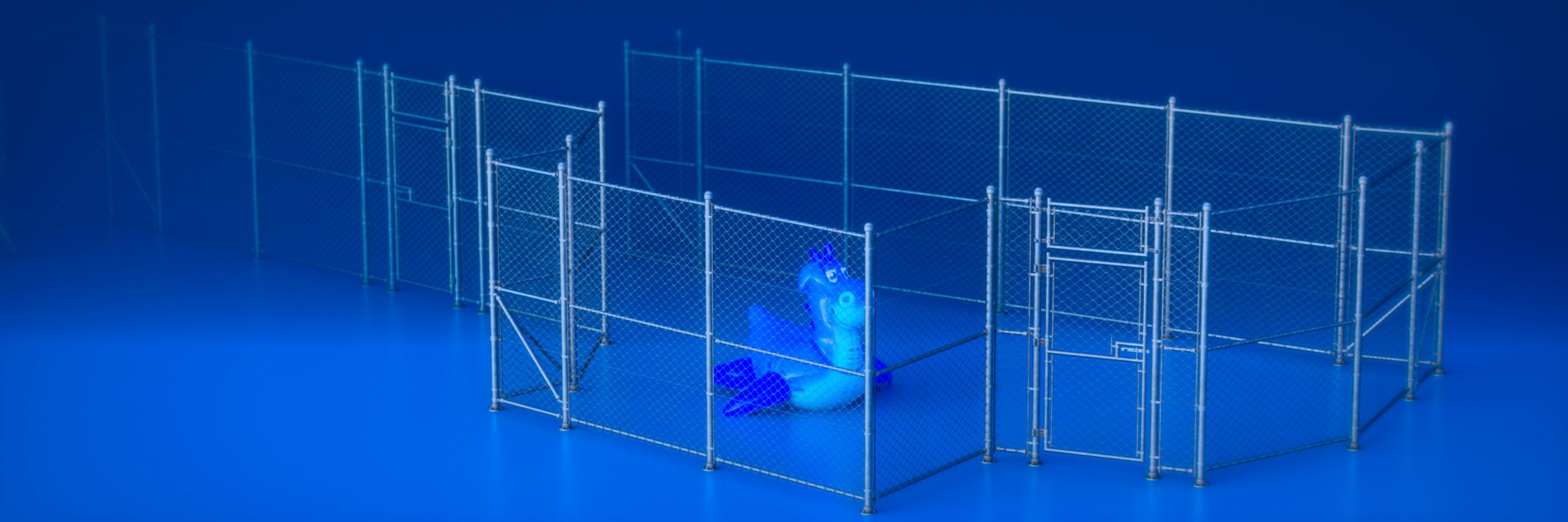
Polyhaven and other kitbash providers have some modular meshes for staging pipe structures and other assets that can be placed modularly. (It’s not restricted to pipes, airducts or fences!)
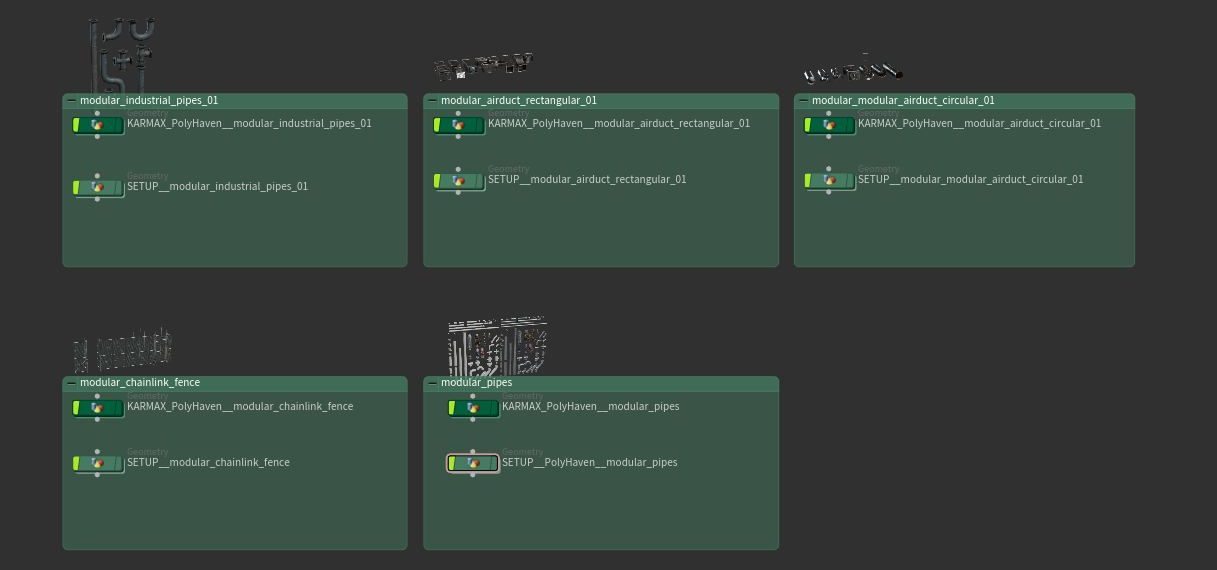
I added the kitbashes with the AssetHandler, which creates the shaders and sets the correct paths automatically, letting me focus on preparation and logic building.

Example of a previous modeling job for a fabric/machine hall. I had to place a lot of modular assets and I needed a solution to avoid placing and transforming everything by hand.

How it works
Preparing the kitbashes needs some manual work. I’m pretty sure there is room for more automation, but this is how I prototyped it.

For each element, I added points that define the anchors for each subsequent element that will be added (in-outs). These points hold a common ‘orient’ matrix, the z-axis of which always points outwards. The main mesh geometry passes through the placement process as a packed primitive (one packed point plus n anchor points). Each element is multiplied by the previous element and the corresponding inverse matrix. The packed primitive intrinsics require the parent matrix to be transformed as well.


HDAs


The prepared kitbash-set goes into the “Pipe Builder”-HDA and is ready for placing. The “Pipe Builder”-HDA simply chains the orient template(s) per added element and setting the right parms. The possible docking points are highlighted with a purple cone. The green element is the preview part.
The State Script:


Dive into the “Pipe Builder/Layer” -HDA shows the chained parts. You can delete parts here. Keep in mind these parts build up one after another. Deleting parts in between completely changes the following parts. (keep the ENTER subnet!)


I noticed some peculiarities with multi-output HDAs. They don’t display/evaluate the node with the display flag; they just evaluate the first “Output” node. To show the green preview geo, it needs to connect to that first output. Single-output HDAs without Output nodes use the display flag.
LINKS
https://www.sidefx.com/docs/houdini/hom/python_states.html
https://www.sidefx.com/docs/houdini/hom/state_events.html
https://www.sidefx.com/docs/houdini/hom/hud_info.html
CONCLUSION & Downloads
This kind of Python State schema/prototype is just a simple example. You can even build more complex systems, with more complex dependencies, like Car-Configurators, CAD-part management systems or tools for Games which you can send over to e.g. UE5.
Another cool feature could be a spline path and an algorithm that determines the closest solution for placing different shapes to match the spline. My initial thoughts are that this is not as trivial as it sounds and that it could look “not human-made.”
On the other hand, spline drawing and instancing a single element per anchor point, could definitely be a speed improvement.
Download the example .hip file and the HDAs for investigating: