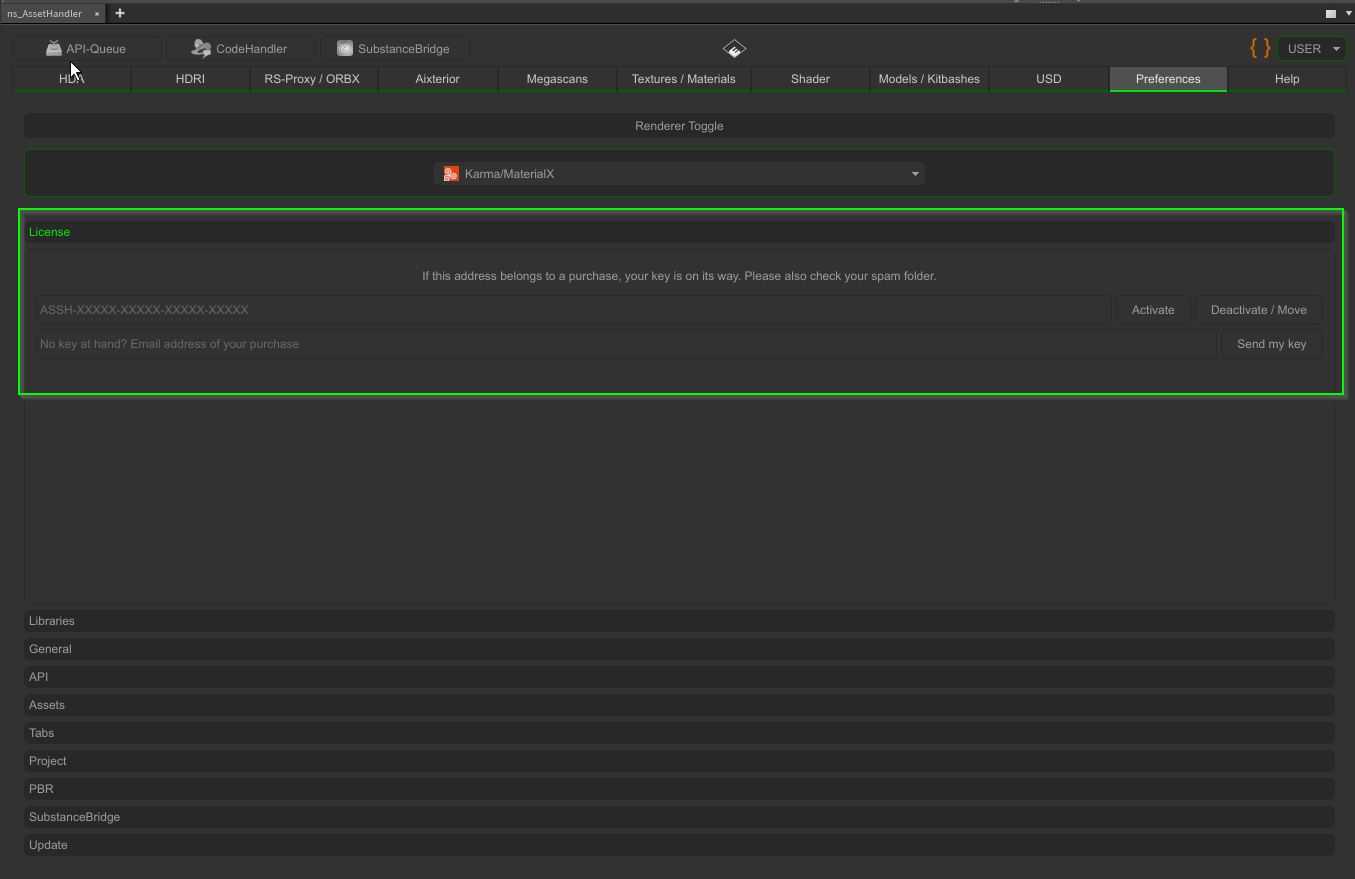
- [important] NEW LICENSE SYSTEM: the panel requires a license key and a one-time activation per computer
- [important] get your key under “Preferences” -> “License”: enter the email address of your purchase and press “Send my key”
- [important] new customers get their key automatically by email after the purchase
- [important] an internet connection is needed once for the activation, afterwards the panel also works offline
- [fixed] Houdini freezing during the update check on startup, it now runs in the background
- [fixed] “Backup Current Version Before Update” being ignored, a backup was always created
- [fixed] closing the panel during an update could crash Houdini
- [fixed] asset preview missing in the layer prompt of the PBR to layer blender
- [fixed] an unreachable ambientCG server made the scan repeat its request endlessly, it now tries three times
- [fixed] a failed download blocked the queue endlessly or was reported as done, it now tries three times and moves on
- [fixed] requests to asset servers could wait forever when a server did not answer
- [changed] new update system, updates are downloaded from the new server and require a valid license key
- [changed] updates are digitally signed and verified before anything is installed
- [changed] material networks are now created as “ASSH_<format>”; existing scenes keep working, adding a shader there creates a new network
- [changed] prompts show the familiar question mark, exclamation mark or info icon
- [changed] one license type: each license works on up to two computers; Studio licenses bought earlier stay valid and unlimited (EULA updated)
- [changed] a license disabled after a refund locks at the next update check
- [added] License key activation under “Preferences” -> “License”; studios can set the key with the environment variable NS_ASSETHANDLER_LICENSE_KEY