CH = ColorHandler
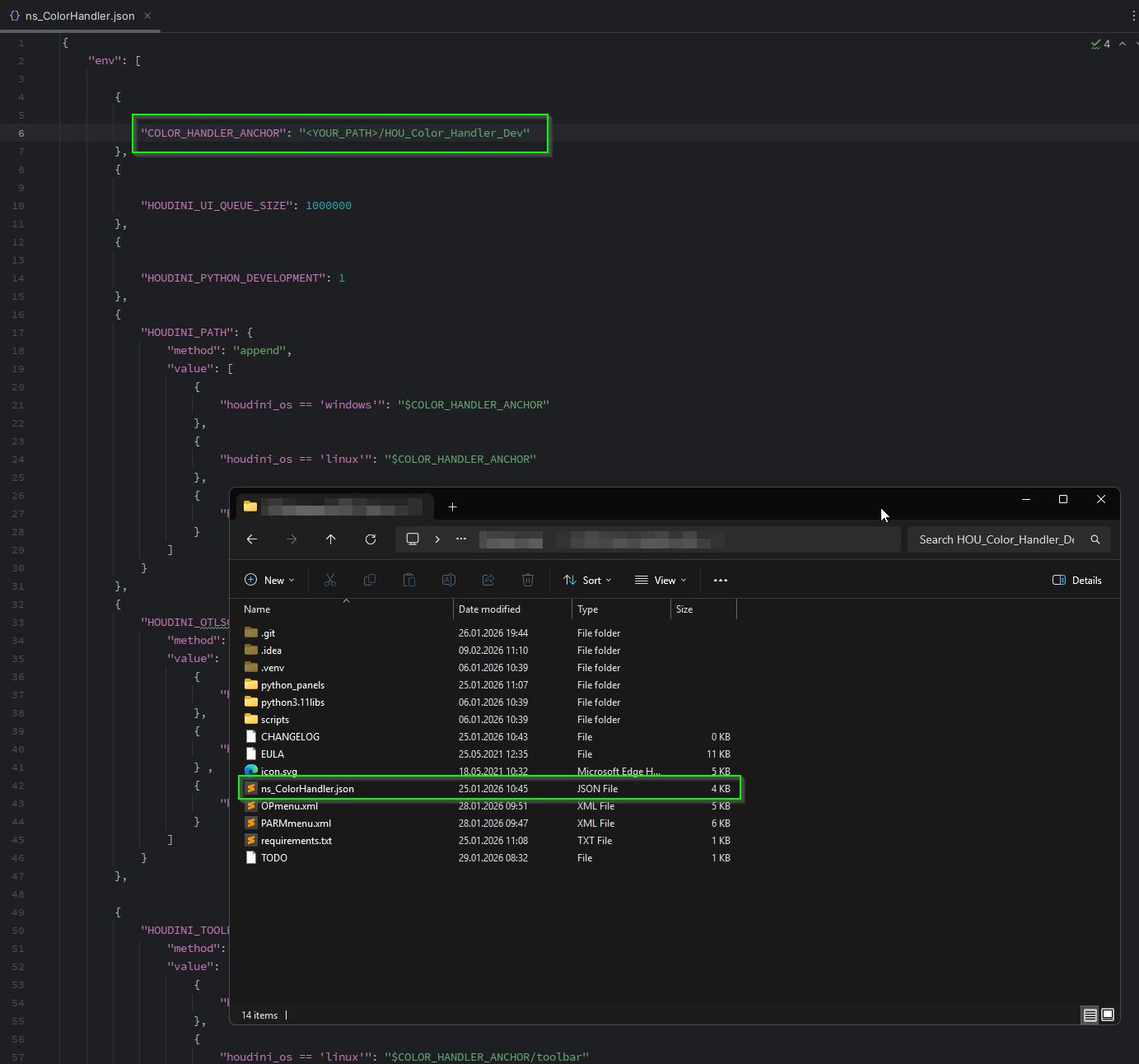
The CH uses the package system from Houdini, to set the right environment variables (COLOR_HANDLER_ANCHOR). So modify the ns_ColorHandler.json package file and set the right path to your unzipped CH location/folder.
WINDOWS
Navigate to the Houdini 21.0 user folder C:\<USER>\Documents\houdini21.0\packages. Create a “packages” folder if none exist. Copy the ns_ColorHandler.json into it.
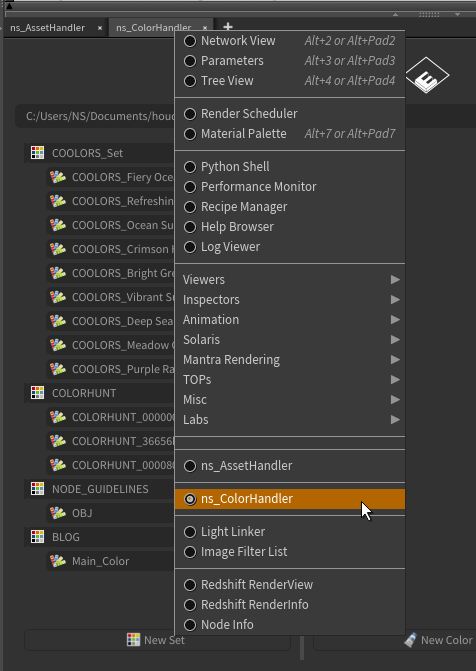
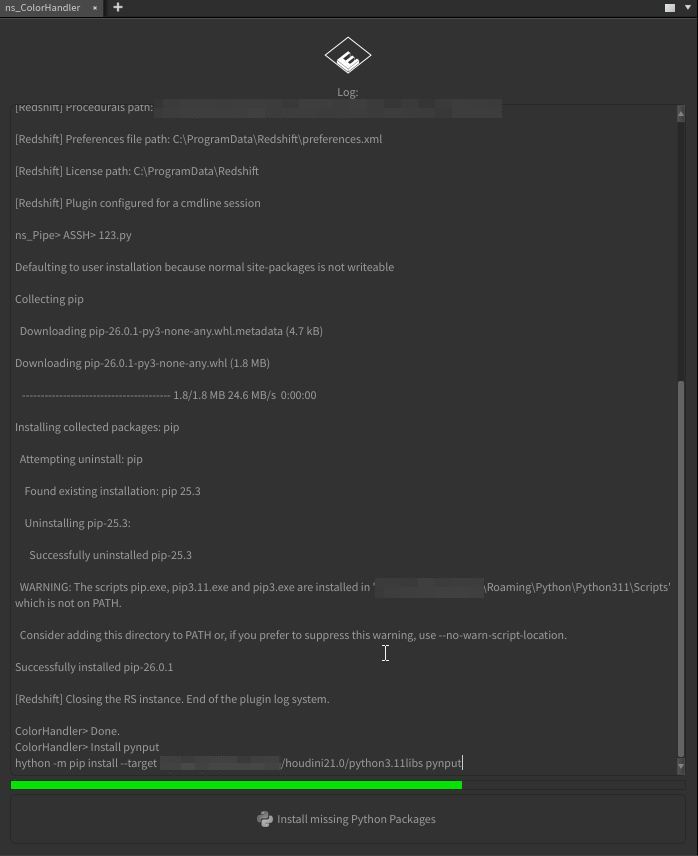
Settings, databases, preferences and thumbnails will be stored at (Windows location)
C:\<USER>\Documents\houdini21.0\plugins\ns_ColorHandler\…