CH = ColorHandler
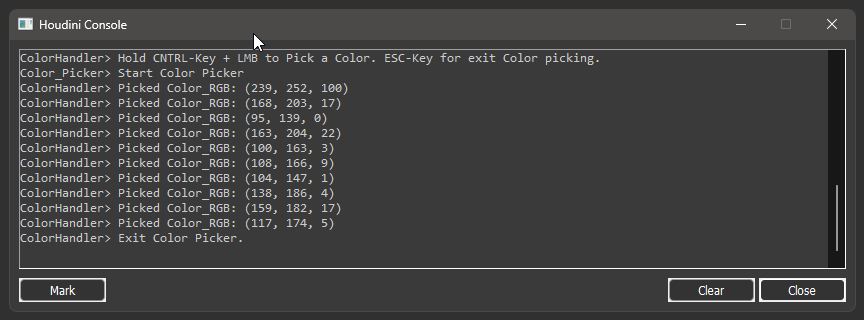
CH has a custom color picker mode (green overlay). With “Pick Color(s)” You can pick colors from Houdini itself or external apps/programms, including extended monitor setups.
After you in picking mode, hover over an area hold CNTRL and click Left-Mouse-Button to add a color(s). Repeat as many times you want. For exiting the picking session press ESC.