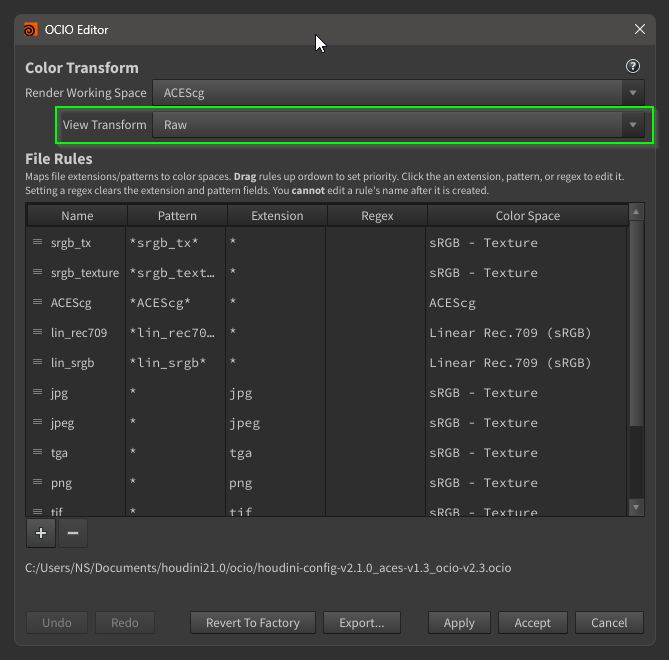
CH = ColorHandler
All data around colors and gradients are stored in single .json database file. You can add/delete databases for keep things clean or to exchange data.
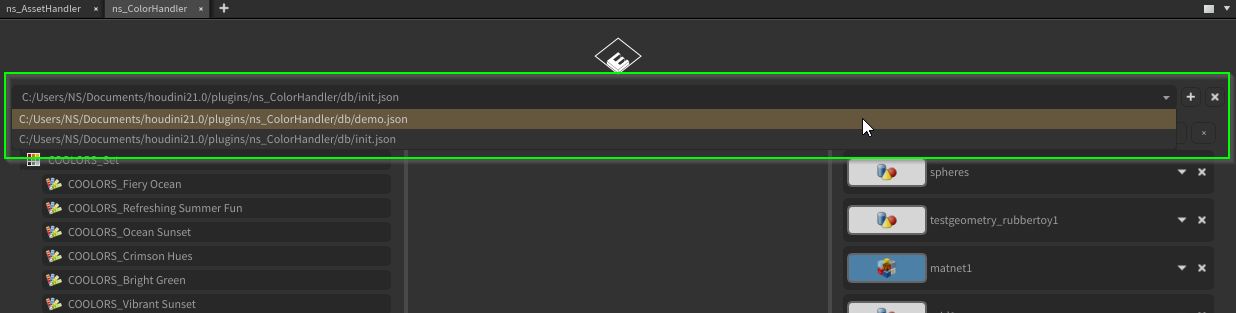
The databases are located at the “HOUDINI_USER_PREF_DIR” houdini environment variable.
C:\Users\<USER>\Documents\houdini21.0\plugins\ns_ColorHandler\db
Bookmarks uses there own .json file per depending houdini session/scene. The plugin stores a bookmark-hook variable in the hip file, to reference to the right .json bookmark database.
C:\Users\<USER>\Documents\houdini21.0\plugins\ns_ColorHandler\bookmarks
Boomark Hints:
Bookmarks that are referencing to none existing nodes will be detected and deleted in the CH panel. Changing node names and colors will be recognized and adapted.
Bookmark hooks that referencing to non existing .json database files will be replaced with a fresh new and empty database.
Color & Gradient Hints:
Selecting color items while a Houdini node is selected in the network view, will colorize them.
Selecting color items copies the raw HEX value to the clipboard for copy-paste.
Correct Color Display Houdini