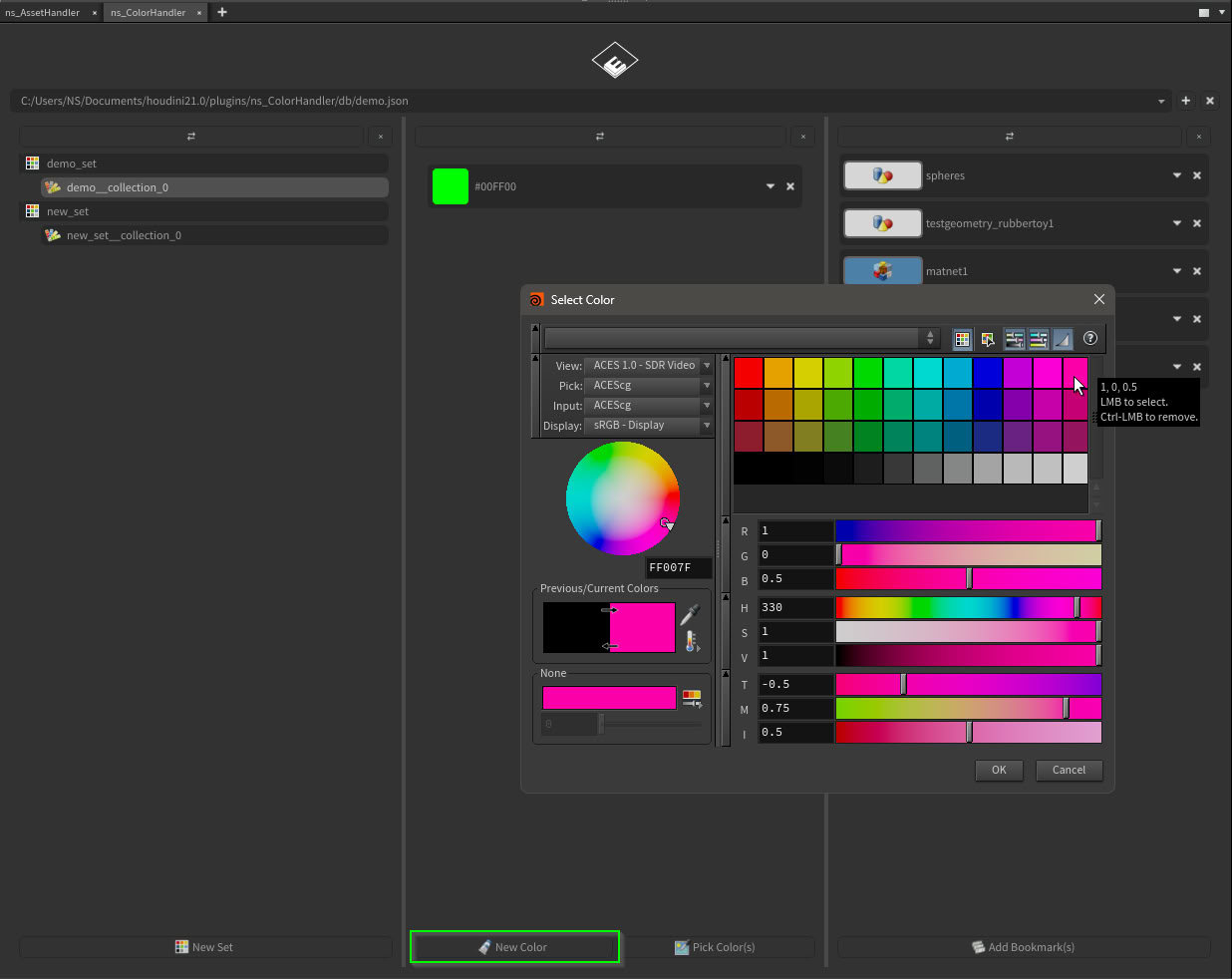
The simplest way to add color items to a collection is via “New Color” and the standart Houdini Color UI selector:
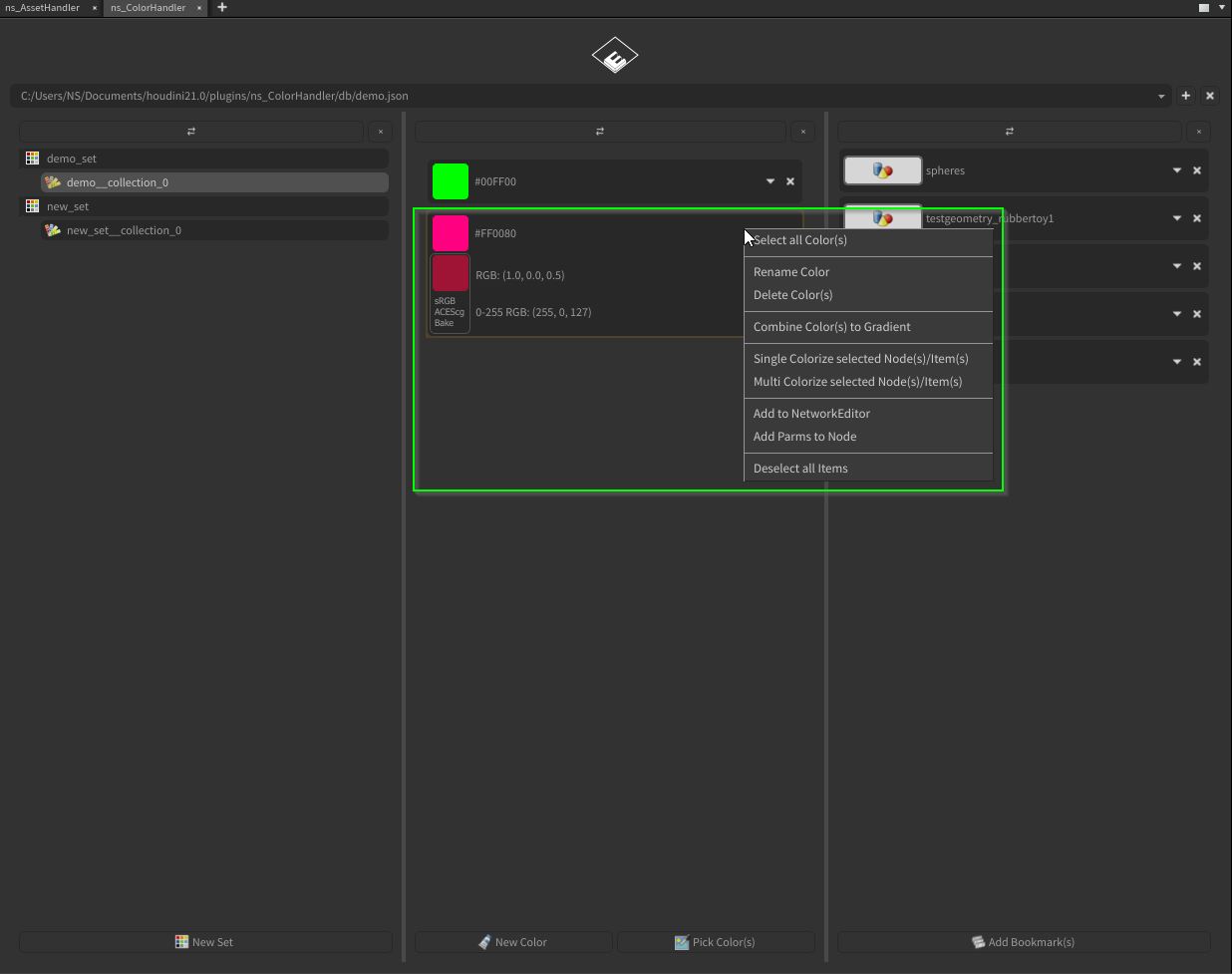
In the uncollapsed view, a single color item contains the color value in 3 format types (HEX, RGB 0-1, RGB 0-255) and a ACEScg preview swatch.
Right-click context menus offers all options.
Another way to add colors are importing from web sources described here:
https://www.enoni.de/wp/docs/colorhandler/documentation/sets/