ASSH = AssetHandler
The Aixterior and Megascans tabs read the downloads of both vendors as they come: 3D assets, plants, atlases and surfaces with all their maps and LODs. When you place an asset, the ASSH builds an HDA with the geometry and an auto. material for your renderer.
Do not rename files or folders from Aixterior or Quixel. The ASSH recognises the assets by their original names and does not search through your own folder structures, for speed.
Megascans from Quixel Bridge
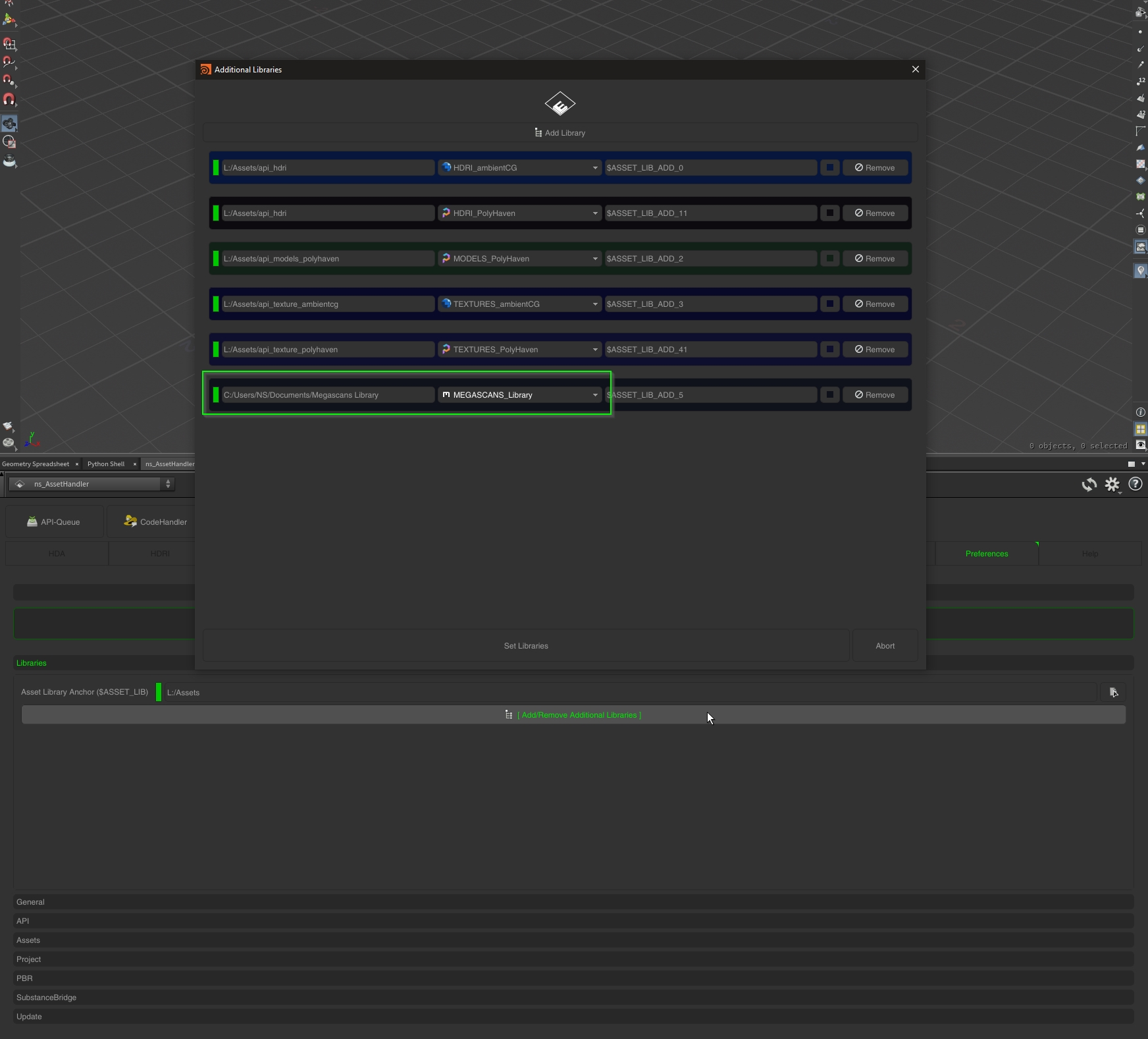
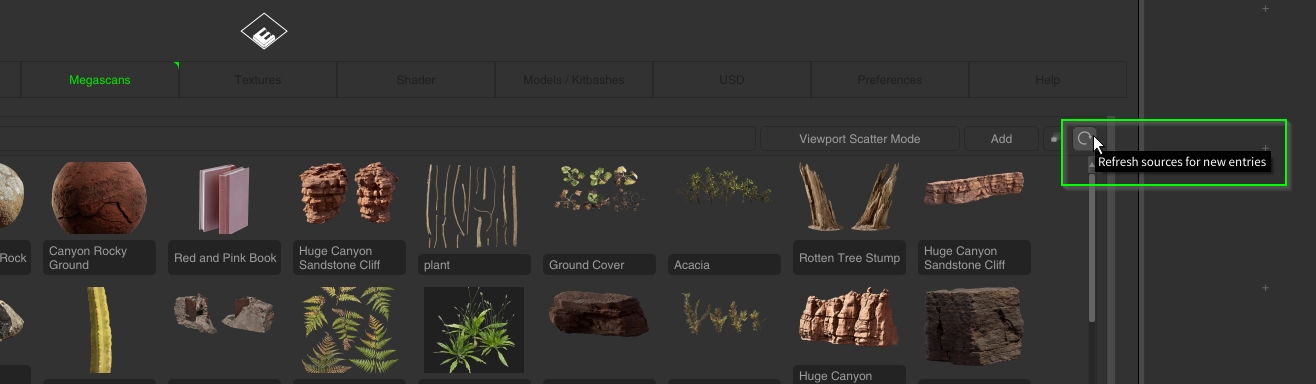
Add an additional library of type MEGASCANS_Library and point it to the Bridge download folder (on Windows usually C:/Users/<USER>/Documents/Megascans Library). Everything you download with Bridge appears in the Megascans tab. Use Refresh to pick up new downloads without a full scan.

For assets from Fab (Epic Games Launcher) there is the library type MEGASCANS_Fab_Library, see Megascans/FAB.
Your own Aixterior or Megascans folders
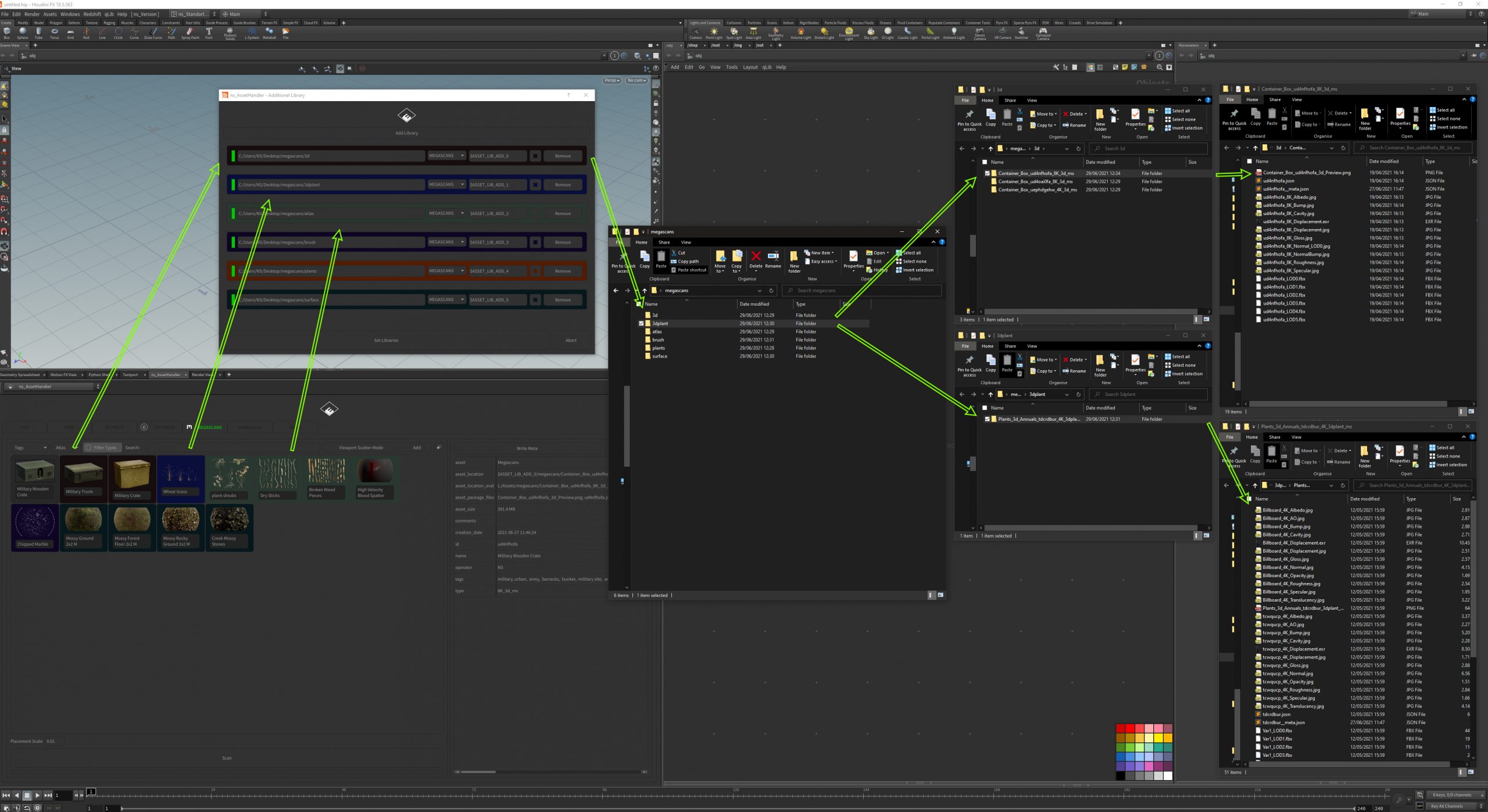
Put the downloads into the aixterior or megascans folder of your library, or add additional libraries of type AIXTERIOR or MEGASCANS.
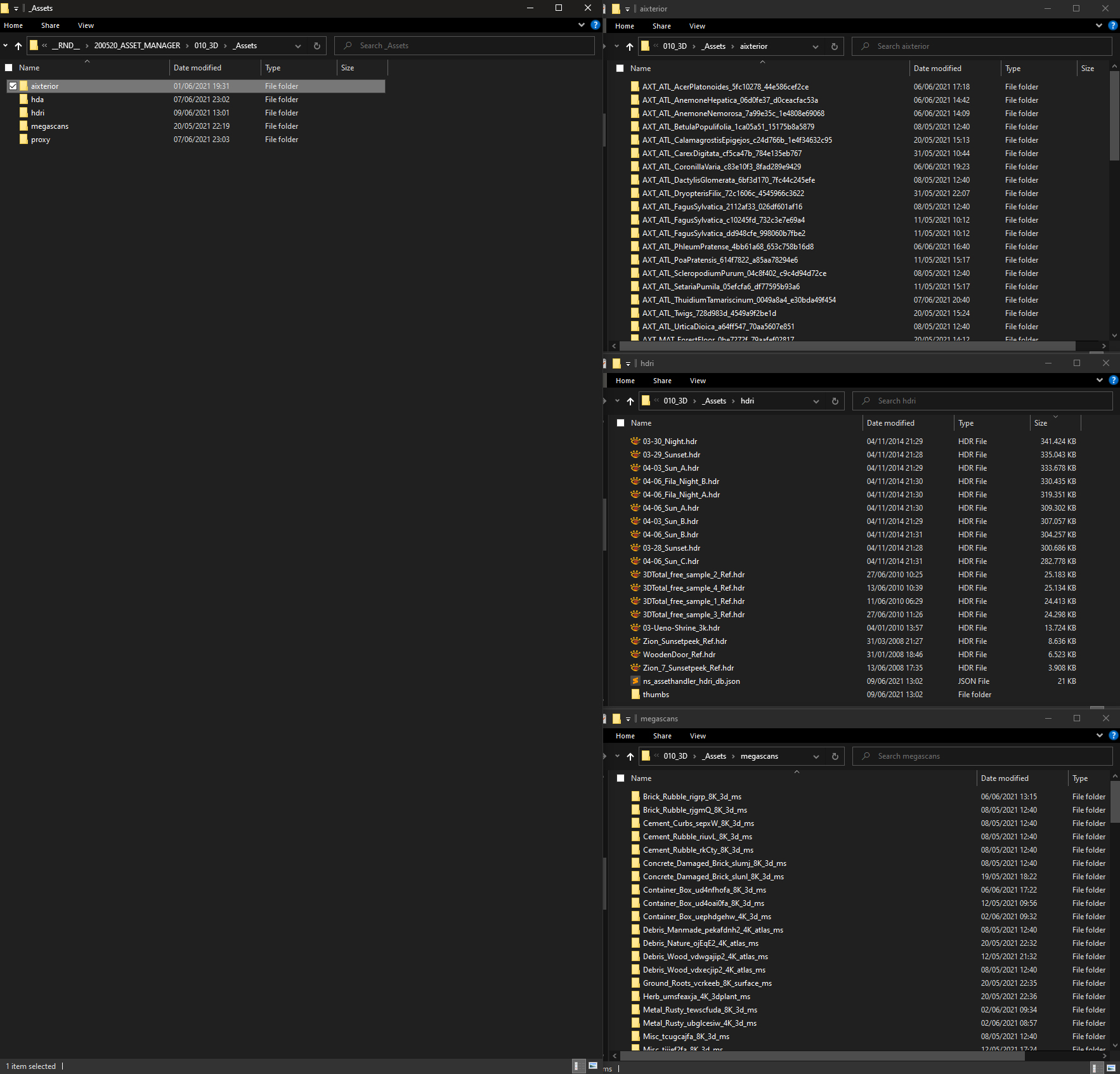
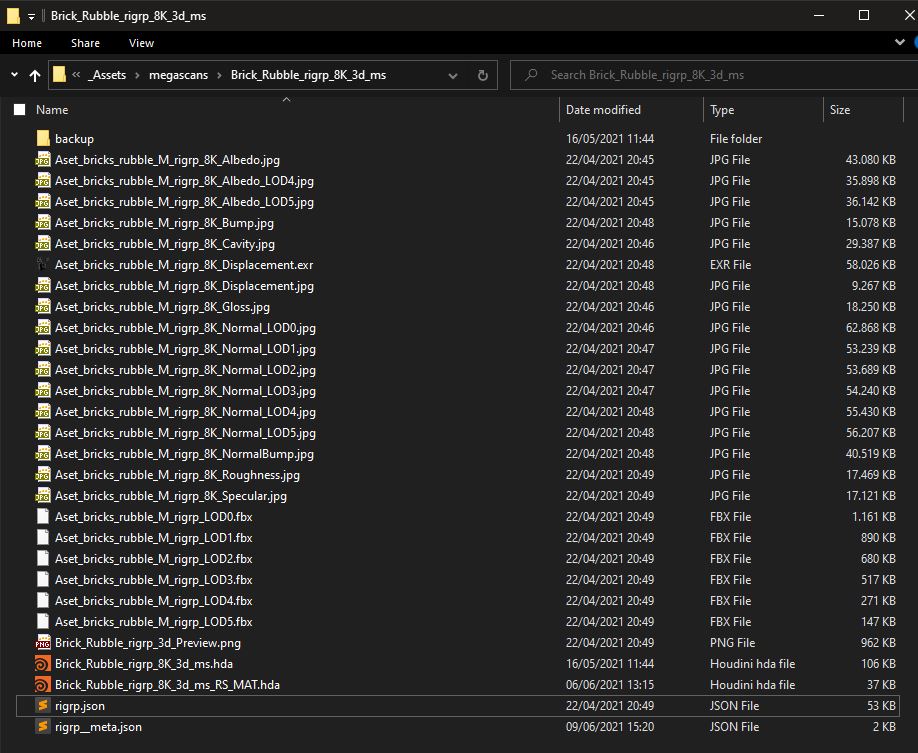
Existing Megascans libraries with nested folders scan more reliably when every Megascans type (3d, 3dplant, atlas, surface) has its own additional library.
Placing assets
Drag an asset into the Network View, the Scene Viewer or a LOP network, or right-click it:
| Option | What it does |
|---|---|
| Add (OBJ Context) | Creates the asset HDA with geometry, LODs and auto. material |
| Add (LOP/Stage Context) | Places the asset in Solaris, see Solaris/USD below |
| Add Texture Loader (MAT Context) / Add File Loader (COP Context) | For materials and surfaces: loads the maps as texture or COP file nodes |
| Add Material / Add Surface (SOP or MAT Context) | Builds the auto. material for a material or surface |
| Add MAT / Surface To 5-Layer-PBR (SOP Context) | Fills a layer of the 5-Layer-PBR HDA |
| Uninstall/Embedding HDA, Delete HDA, Delete USD | Manage the HDA and USD files of the asset |
| Viewer, USDView | Shows the preview or the USD file |
| Scatter, Physic Painter | Builds a scatter setup with the asset |
| Add Object (SOP Context) | Loads a single geometry file of the package |
Placement Scale at the top of the tab scales the assets on placement (default 0.01, because the vendors work in centimetres). Filter Types shows only one type: OBJ, ATL or MAT for Aixterior, Atlas, 3dplant, 3D or Surface for Megascans.
The asset HDA
The Aixterior and Megascans HDAs have their own renderer switch, so you can change the material later. Useful parameters:
- Output As Packed Primitive: packs the asset, for point instancing in Solaris
- LOD Levels and Variation Switch: choose LOD and variation, or output all variations
- Maps: switch single maps on or off, for example displacement, translucency or opacity
- Use Triplanar and Hex-Tiled (Karma): projections without visible repetition
- Jump To Shader Network: opens the material
When you place an asset that already has an HDA, the ASSH asks whether to use it or create a new definition. Preferences > Assets > Dont prompt for new HDA definition always uses the existing one. Set Sprite Shader for Redshift Materials in case a Opacity/Alpha Map exist uses a sprite node for plants and atlases with Redshift.