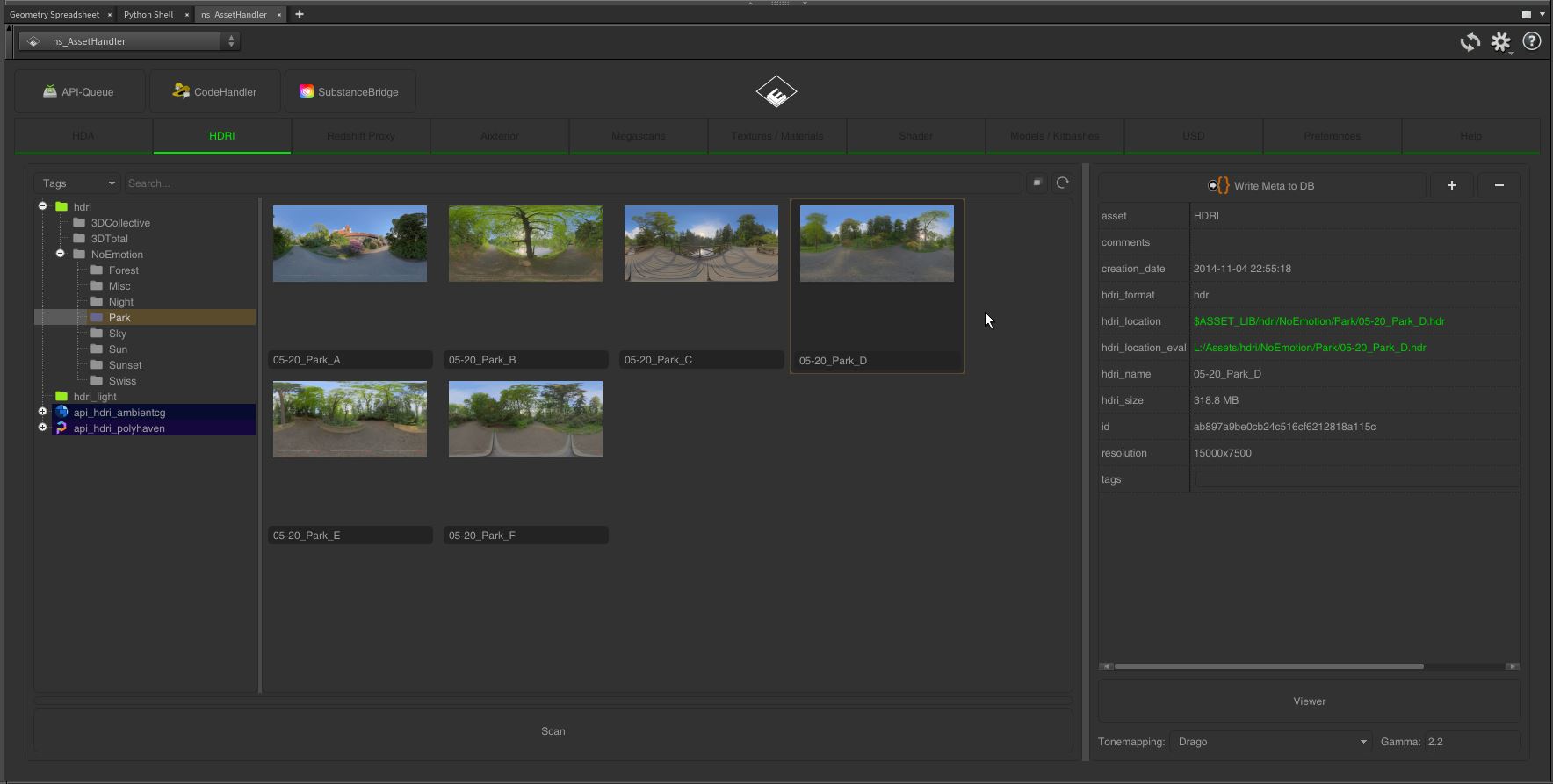

folder/subfolder of your Asset Library or Additional Library

Double-Click on a HDRI in the Asset Handler, with a selected Domelight Node in the Network View, will instantly change the Input and Thumbnail of the Domelight.

Double-Click on a HDRI in the Asset Handler, with a selected Domelight Node in the Network View, will instantly change the Input and Thumbnail of the Domelight.