ASSH = AssetHandler
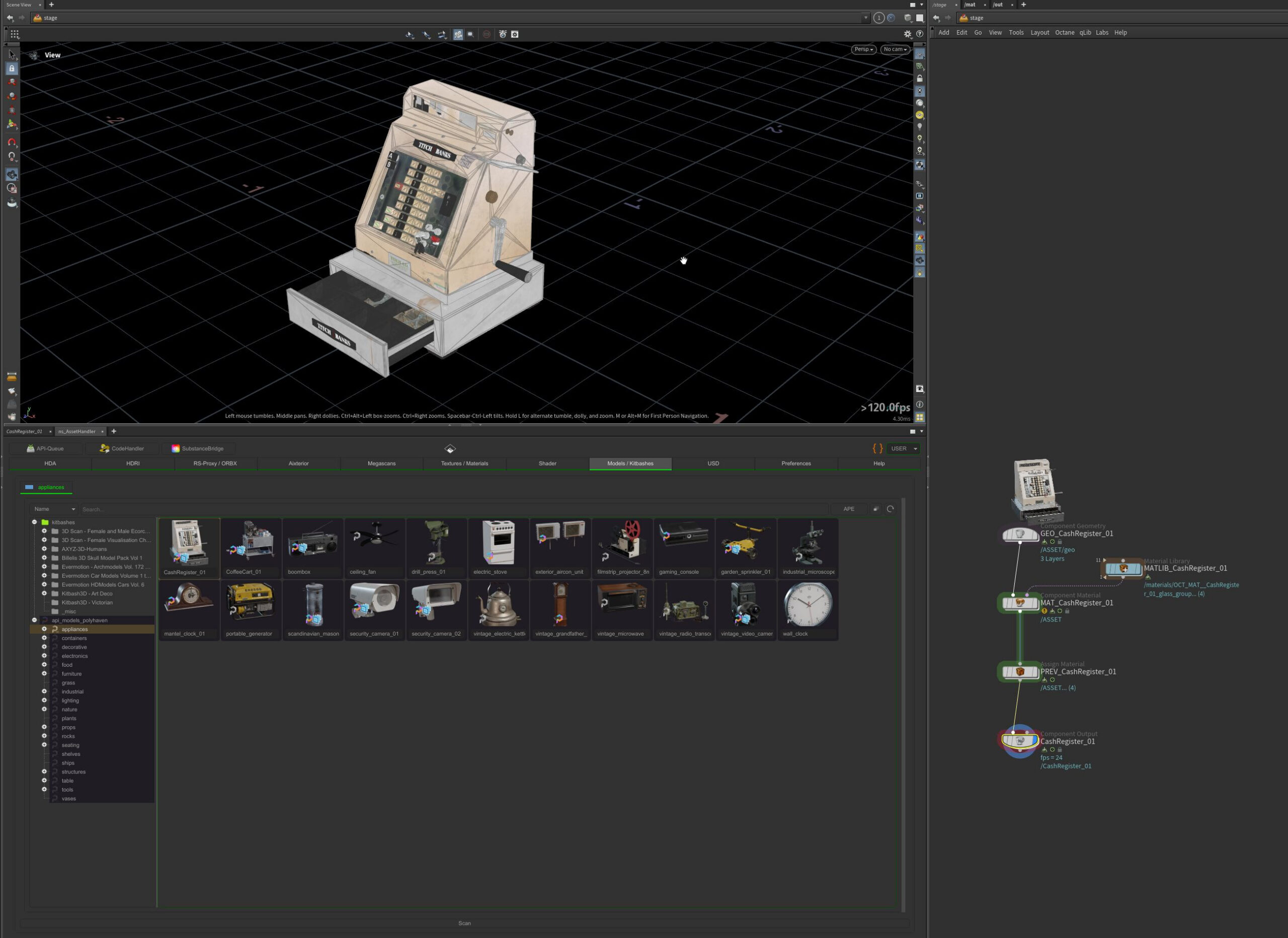
Library type MODELS_PolyHaven. The PolyHaven models appear in the Models / Kitbashes tab.
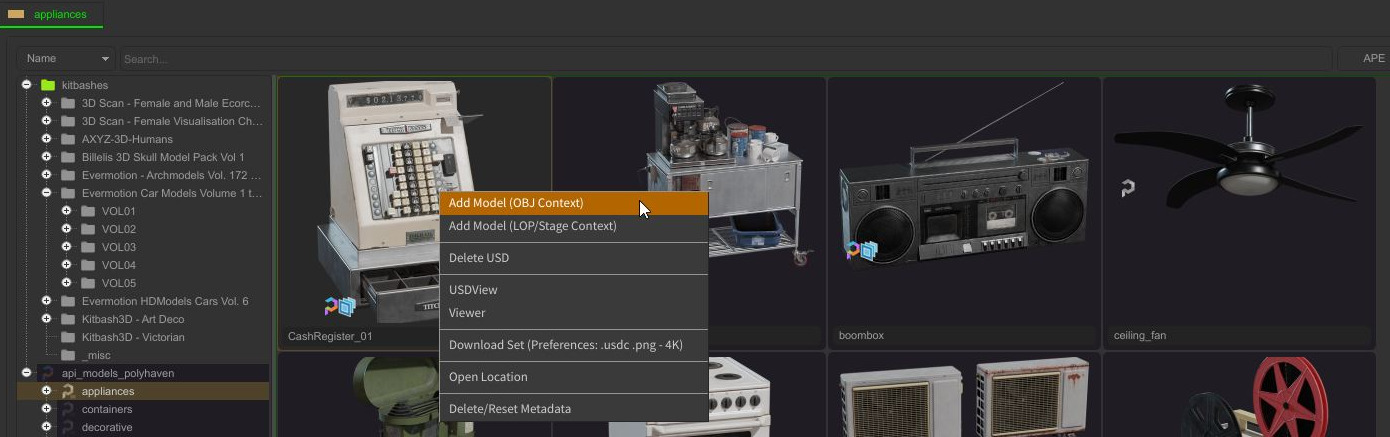
- Add Model (OBJ Context): geometry with auto. material
- Add Model (LOP/Stage Context): in Solaris, also as Component Builder setup
- Download Set: downloads the model without placing it
- USDView, Delete USD, Viewer
In Preferences > API > Models you choose the model format (.fbx or .usdc), the texture format and the size. The .usdc format only applies to libraries you add after you changed the setting.