ns_physic_painter.hda
The Physic Painter scatters assets like Scatter Instances, but every instance is dropped onto the obstacle as a rigid body. Rocks, debris or props settle naturally instead of floating or intersecting.
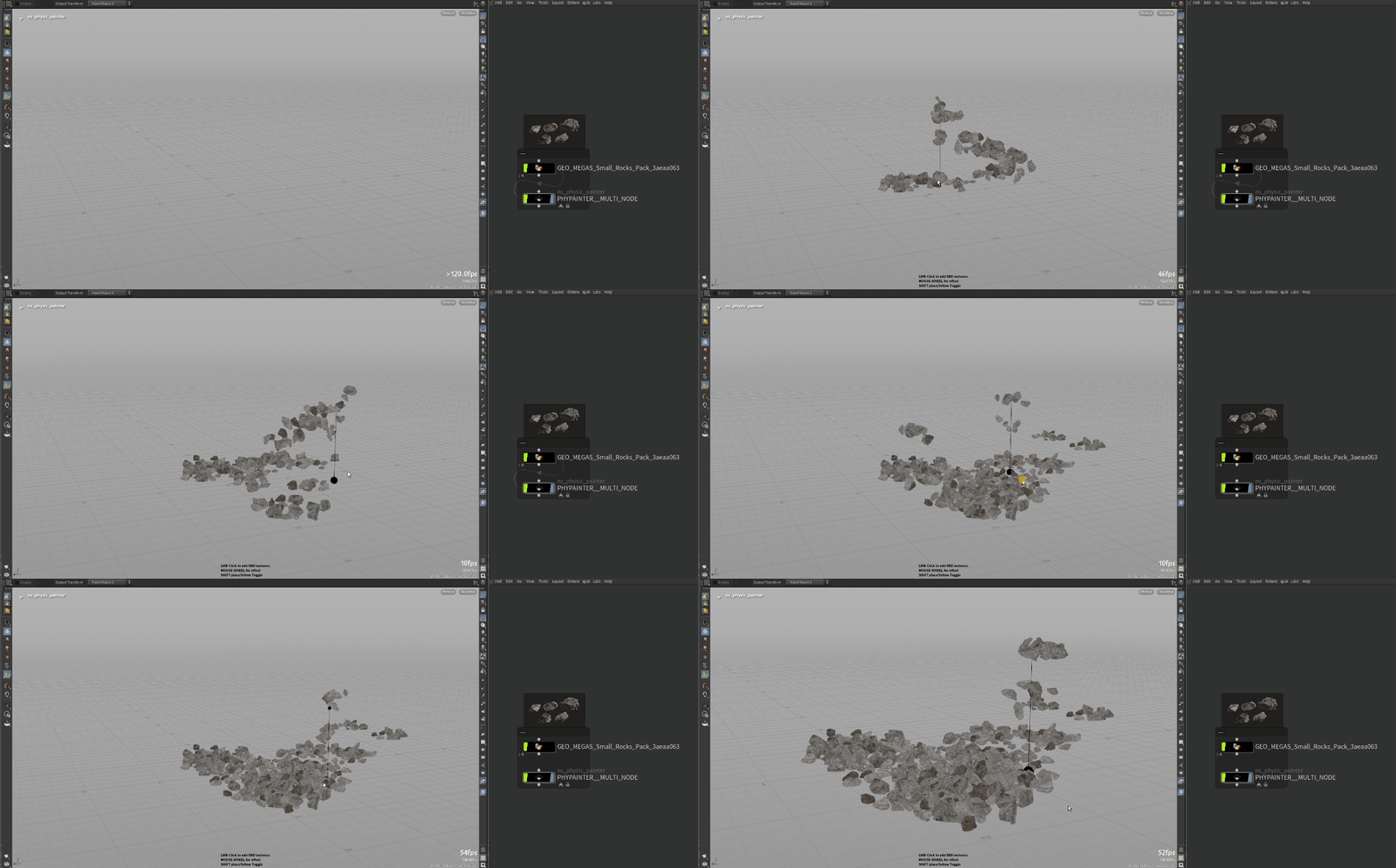
Setup
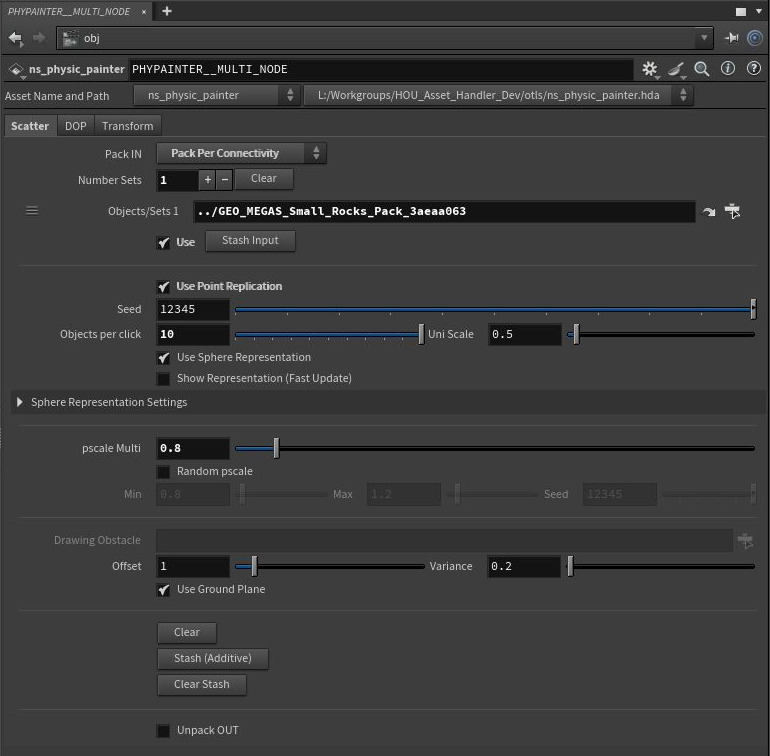
- Build it from the ASSH (VSC, AS, right-click Physic Painter or Physic Painter Multi, see Scatter) or create the node yourself.
- Number Sets: one entry per asset or set, each with objects and an optional group. Stash Input keeps the sets inside the node.
- Pack IN / Is Already Packed as in Scatter Instances
- Drawing Obstacle: the surface the instances land on. Use Ground Plane adds a plane, Offset moves the spawn point up from the obstacle, Variance randomises it.
Painting
| Input | Action |
|---|---|
| Left mouse button | Add an RBD instance |
| Mouse wheel | Change the offset |
| Shift | Toggle between place and follow |
- Use Point Replication, Objects per click, Uni Scale and Seed: several instances per click around the cursor
- pscale Multi and Random pscale (min/max, seed)
- Use Sphere Representation: simulates the instances as spheres, which is much faster (voxel size, min/max radius, min/max spheres, point count). Show Representation displays them.
- Clear, Stash (Additive) and Clear Stash: keep a painted state and add to it
- Unpack OUT: unpacks the result
DOP
The simulation settings: Cache Simulation and memory, Reset Simulation, Start Frame, Number of Substeps, Sleeping Time, and the material values Density, Rotational Stiffness, Bounce and Friction.