ASSH = AssetHandler
Drop an Aixterior or Megascans asset into a LOP network or right-click it and choose Add (LOP/Stage Context). If a USD file exists already, the ASSH asks how to load it:
- Load as LOP Reference, Load as LOP Sublayer or Load as LOP AssetReference
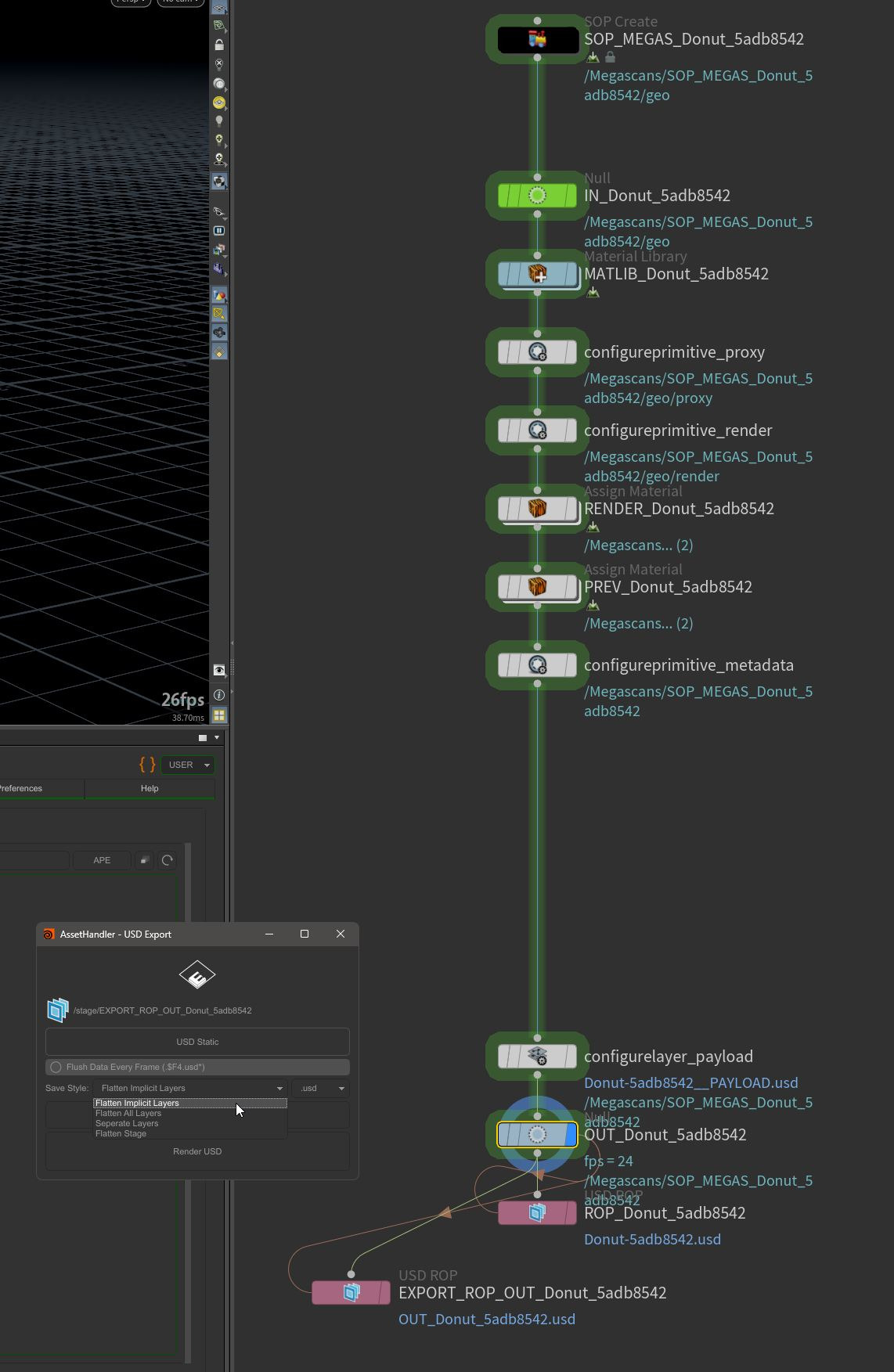
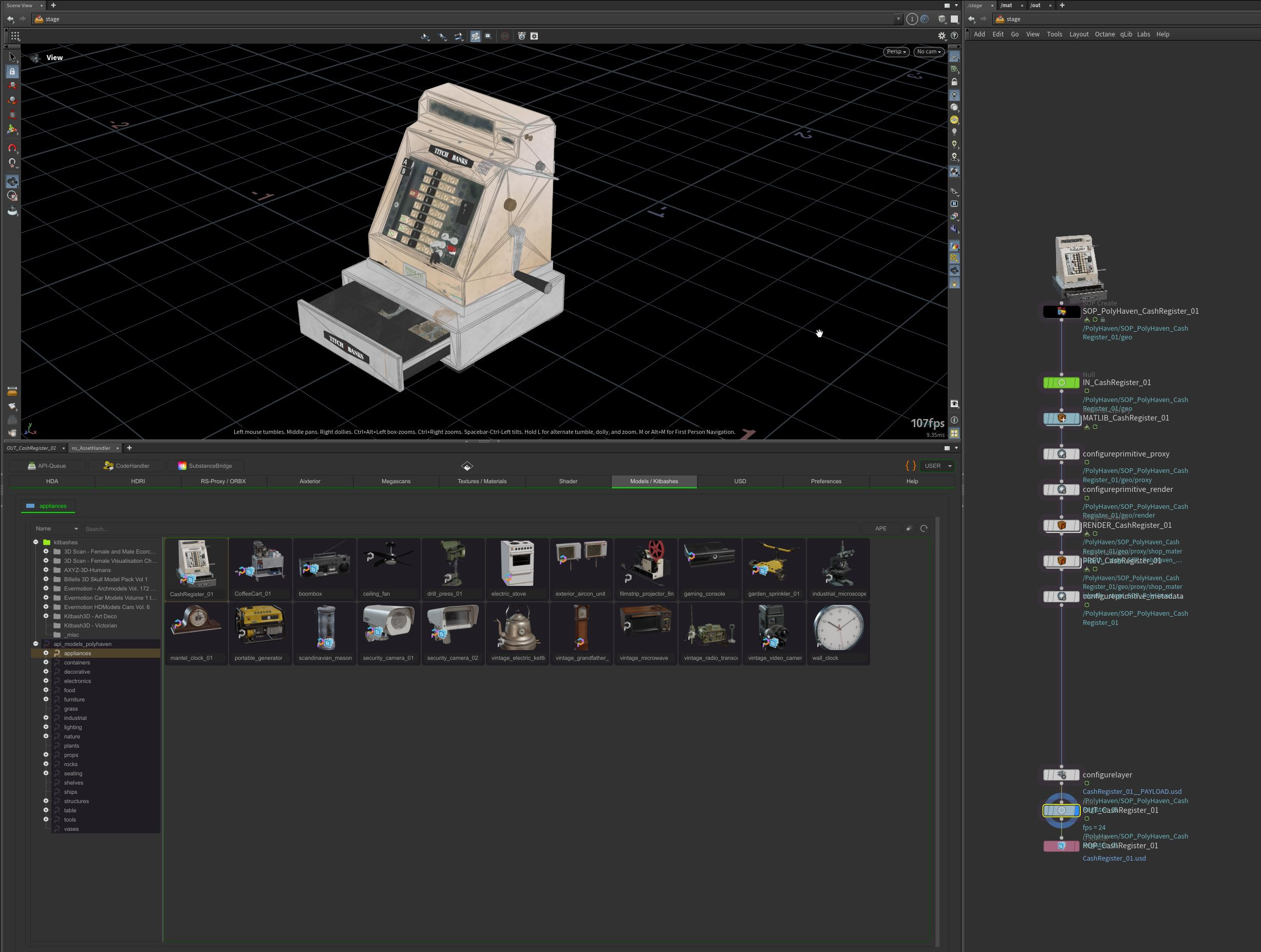
- Build SOP-Create/LOP Setup: a SOP Create LOP with the asset and a material library, which writes the USD file when it cooks
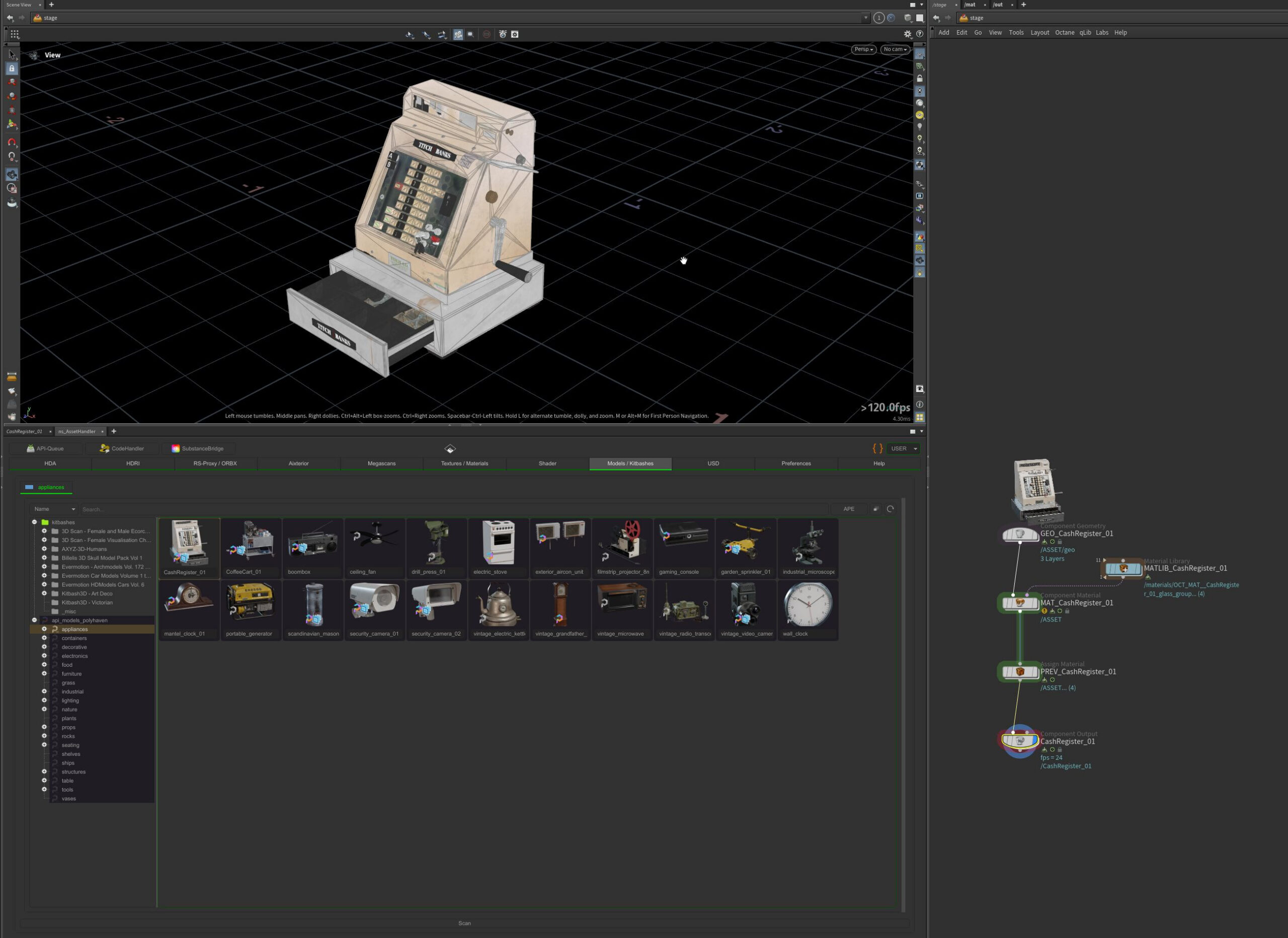
- Build Component Setup (non-variant): a Component Builder setup (component geometry, material, output). Also for PolyHaven models. Variants are not supported yet.

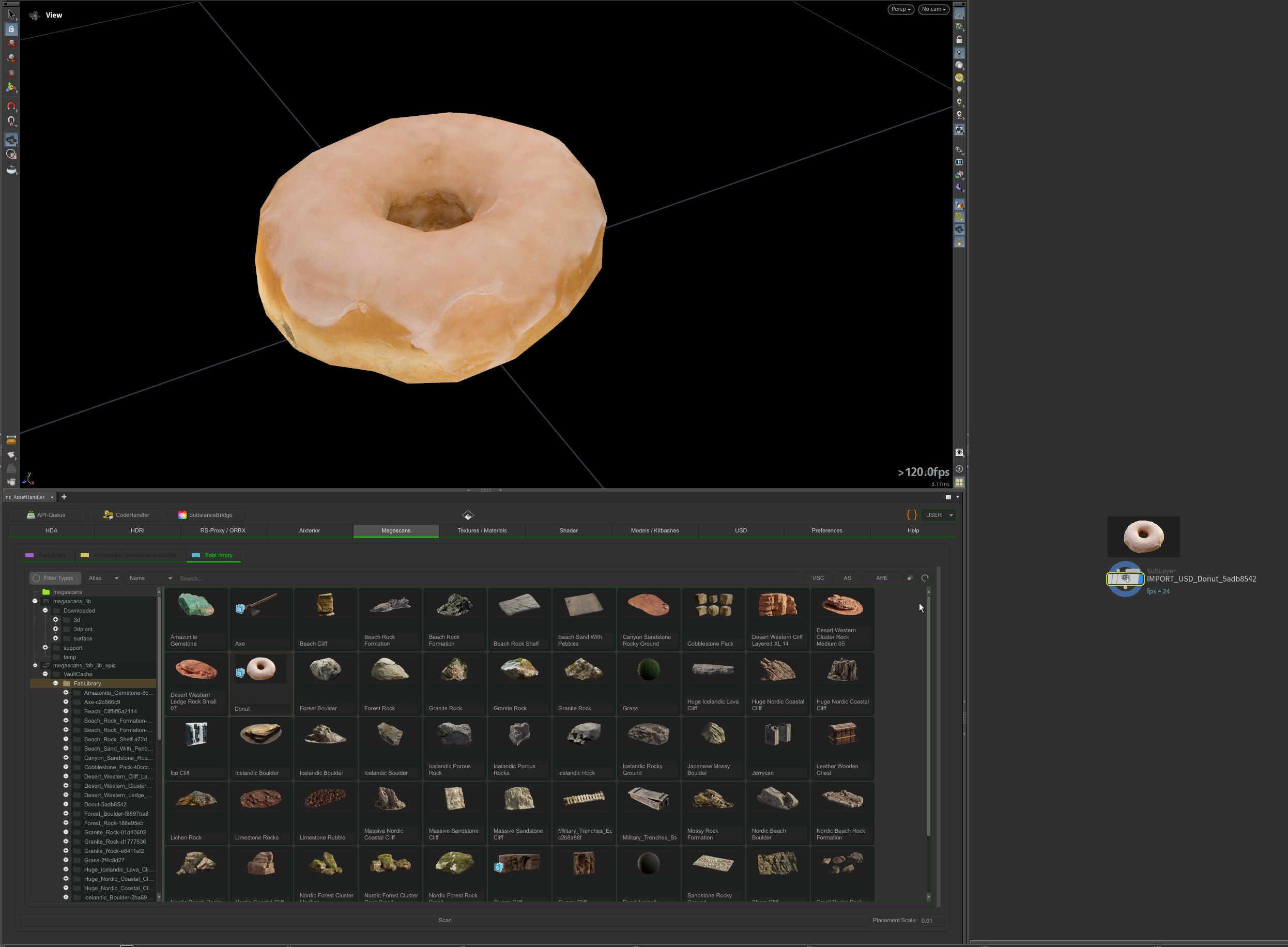
Without a USD file you choose between the two builder setups.
For Megascans 3D plants and atlases and Aixterior atlases the ASSH can build a LOP setup for variant sets.
All auto. material HDAs have a Tab Menu Mask, so they are also available inside a Material Library LOP.