ASSH = AssetHandler
The Models / Kitbashes tab holds geometry files and kitbash sets: your own models in the models and kitbashes folders or in libraries of type MODELS_Kitbashes, and the models from PolyHaven (see PolyHaven Models).
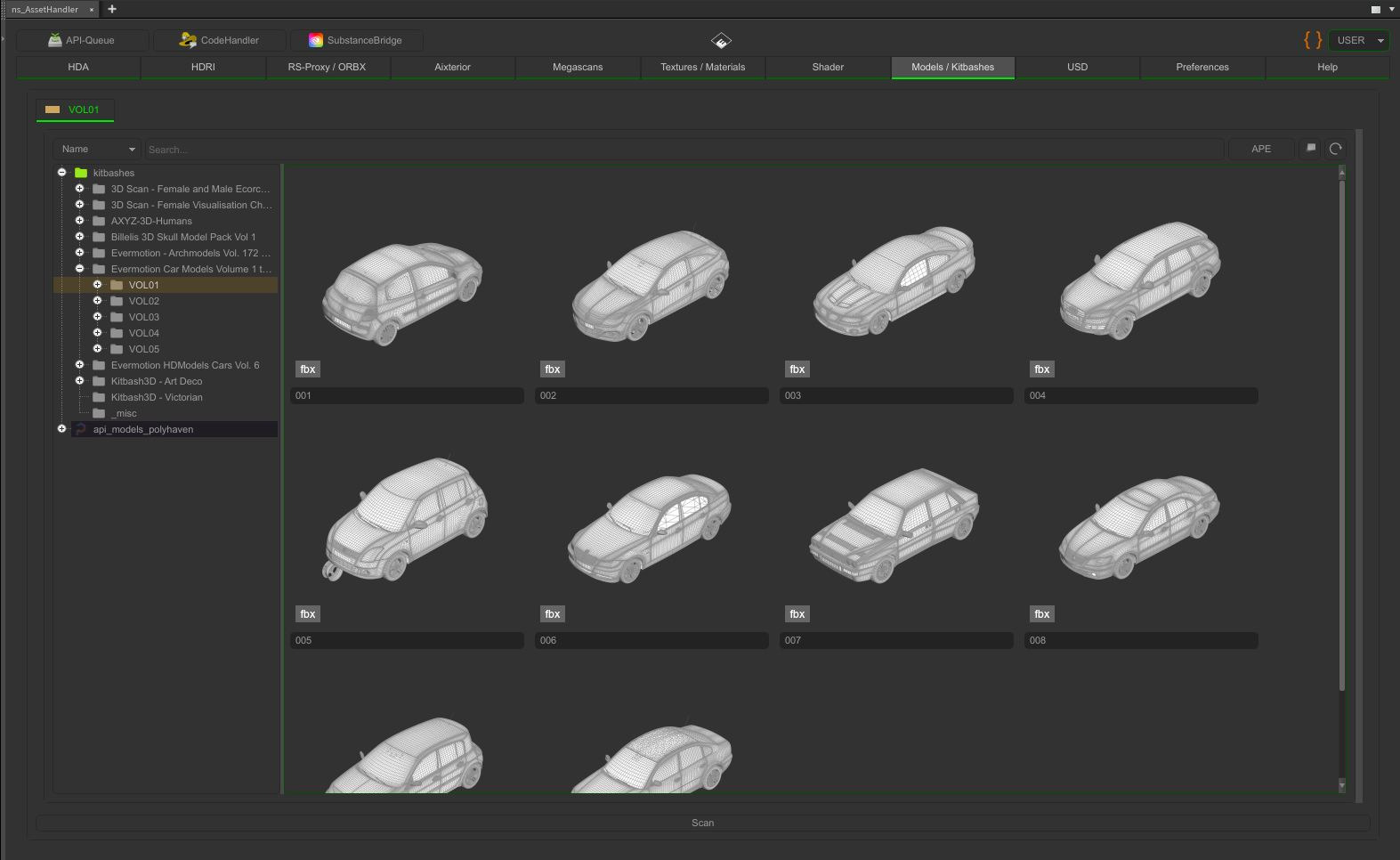
Supported files
.obj,.fbx,.abc,.bgeo,.bgeo.sc.vdb, also as sequence (name.$F4.vdb;$F,$F2,$F3and$F4are recognised).usd,.usda,.usdc,.usdz
Add models to the library
- Right-click an OBJ or SOP node and choose [ ns_AssetHandler ] > Add OBJ geometry to Model-Kitbashes Library or Add SOP geometry to Model-Kitbashes Library.
- Or drop geometry onto the tab; it is stored as a geometry file.
- The thumbnails are rendered with OpenGL in the background. Preferences > Assets > Models > Kitbash Thumbnail Rendering switches this on or off. Since version 1.23.5 you can choose the method there: Direct OpenGL (fast, gray with wireframe) or the OpenGL TOP (the viewport look, with PDG), as well as the size.
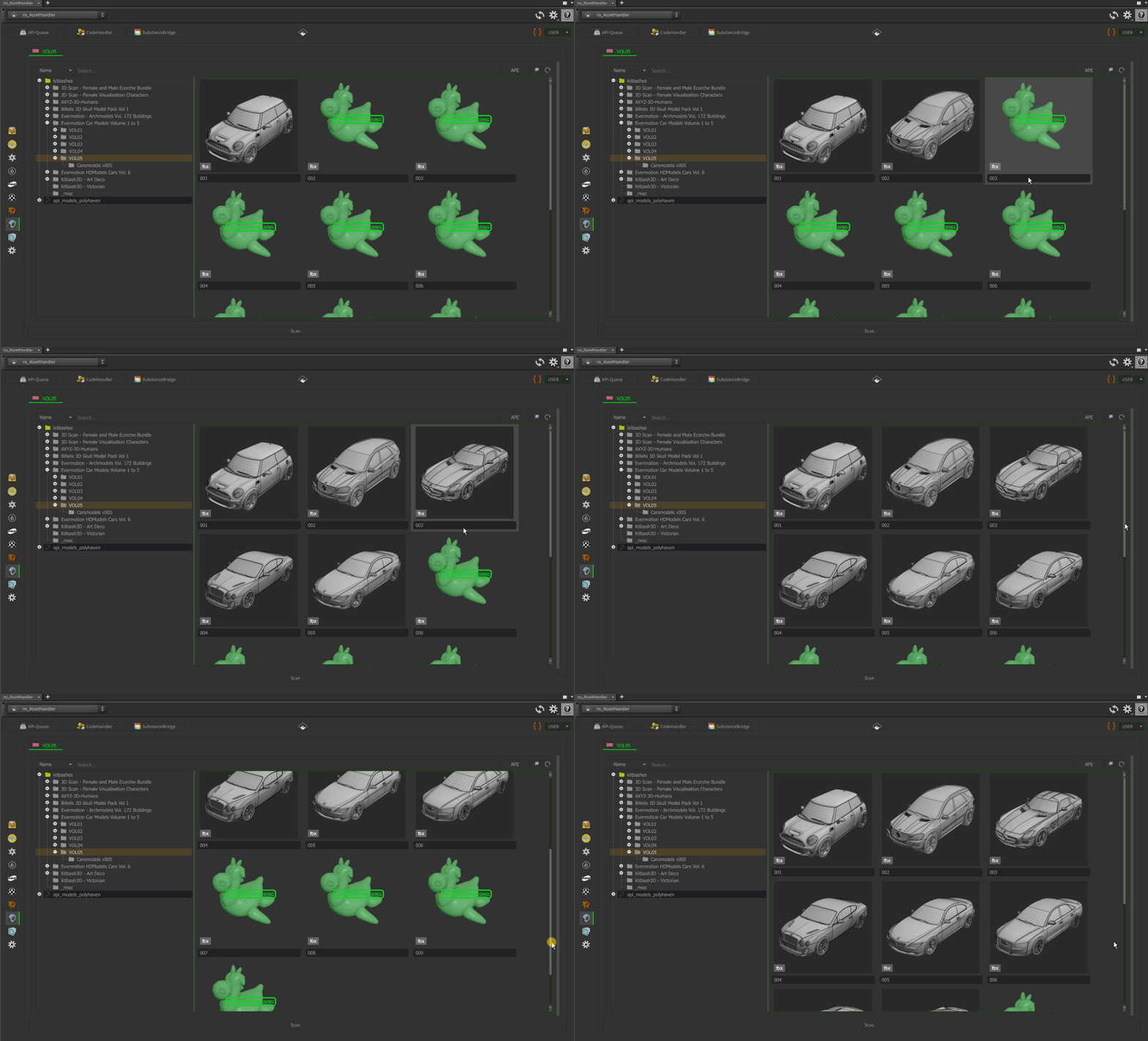
Use models
| Option | What it does |
|---|---|
| Add Object (SOP Context) | Loads the file into a SOP network |
| Add Object (LOP Context) | For USD files: adds them to the stage |
| Add Texture Loader (MAT Context) / Add File Loader (COP Context) | For textures that come with a kitbash |
| (Re)render Thumbnail / Delete Thumbnail | Renders the picture again or removes it |
| USDView, Viewer | Opens the USD file or the thumbnail |
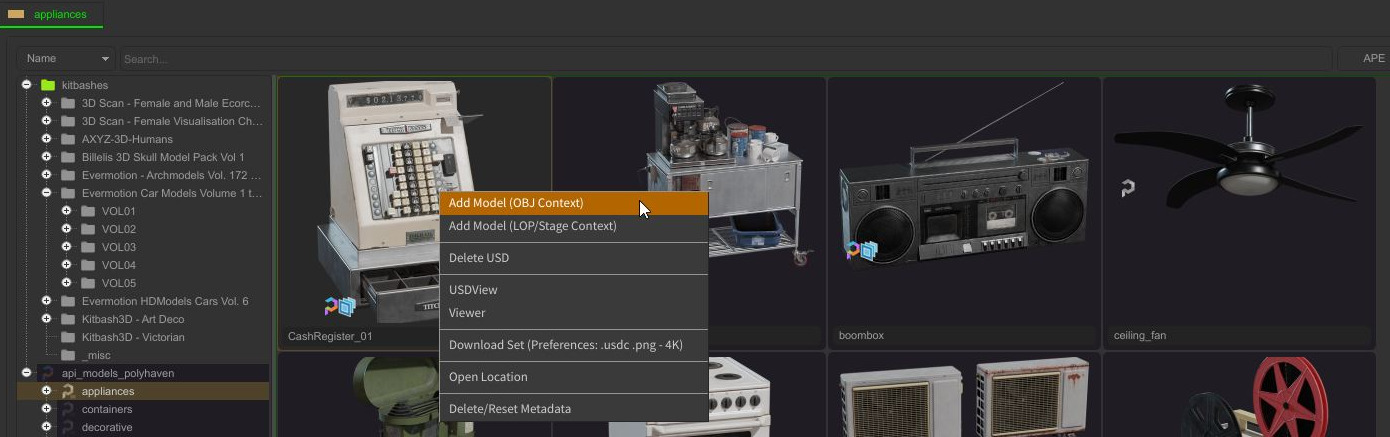
Organise models in subfolders with the folder tree. Multi-Tabs help when you work with several kitbash sets at once.