ASSH = AssetHandler
PBR_5_Layer (ns_pbr_5_Layer.hda) is a SOP HDA that blends up to five PBR texture sets into one material, with masks you paint or build from attributes. It works with Copernicus, so you see the result live in the viewport and can bake it to new maps.
More examples, hints and the HDA as a download are in the post PBR 5 Layer.
Video: overview of the HDA (recorded with Houdini 20.5)
Fill the layers from the ASSH
- Select a SOP node with your geometry (with UVs) in the Network View.
- In the ASSH, right-click a PBR set: Add PBR-Set To 5-Layer-PBR (SOP Context) (ambientCG/PolyHaven), Add PBR Folder To 5-Layer-PBR (SOP Context) (texture folder), Add MAT To 5-Layer-PBR (SOP Context) (Aixterior) or Add Surface To 5-Layer-PBR (SOP Context) (Megascans).
- Choose the layer to fill. The ASSH creates the PBR_5_Layer node with its mask nodes and links the maps.
- For the next set, select the existing PBR_5_Layer node and repeat. The layer prompt then shows the layer names.
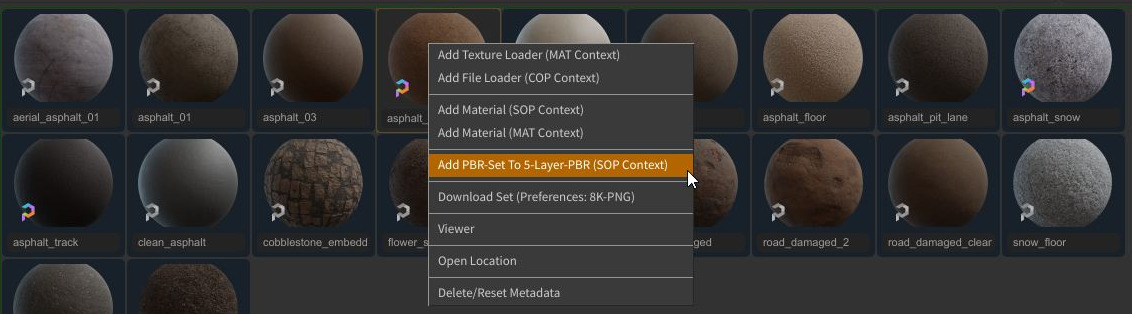
API sets have to be downloaded first: right-click the set and choose Download Set.
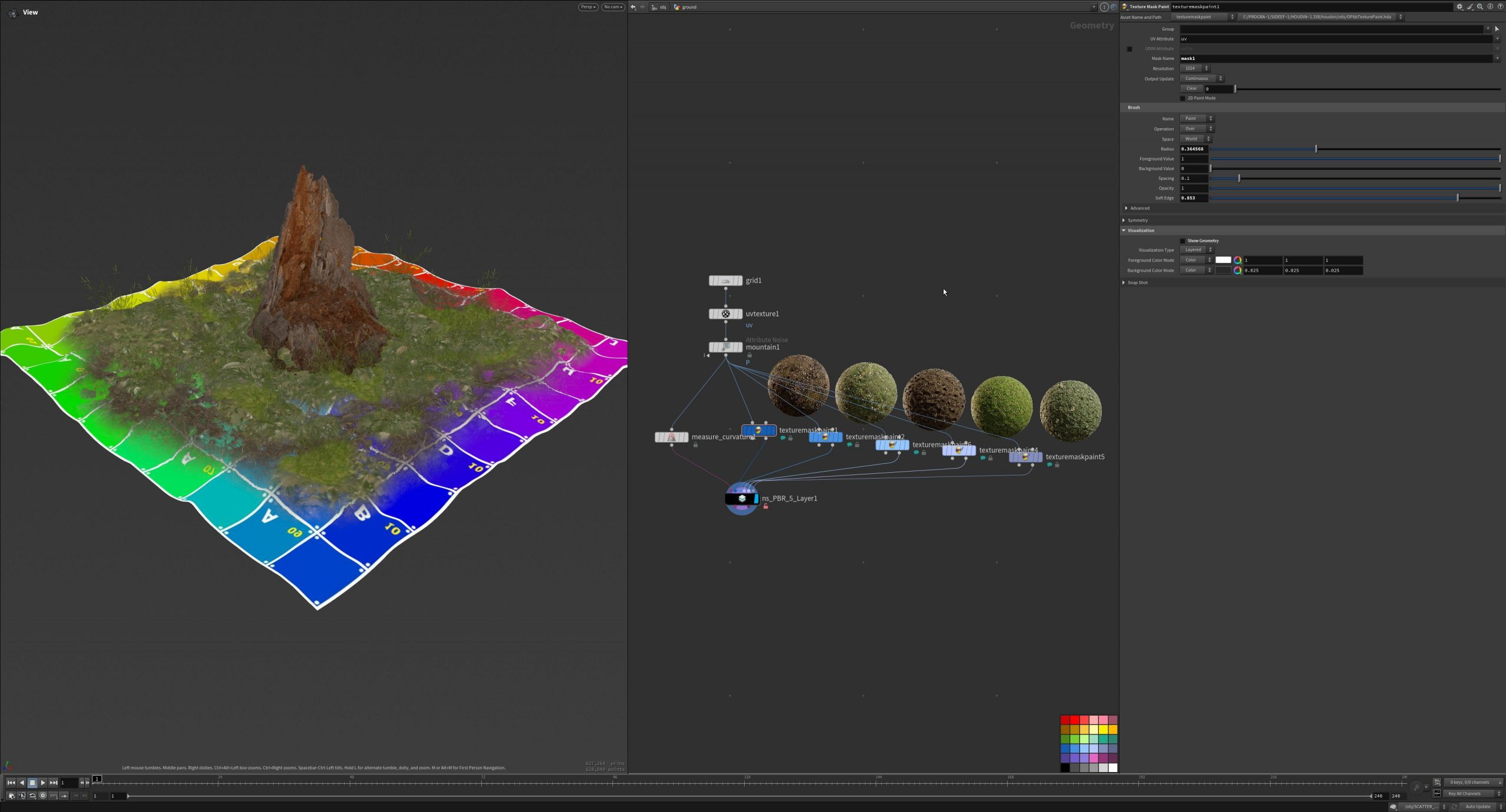
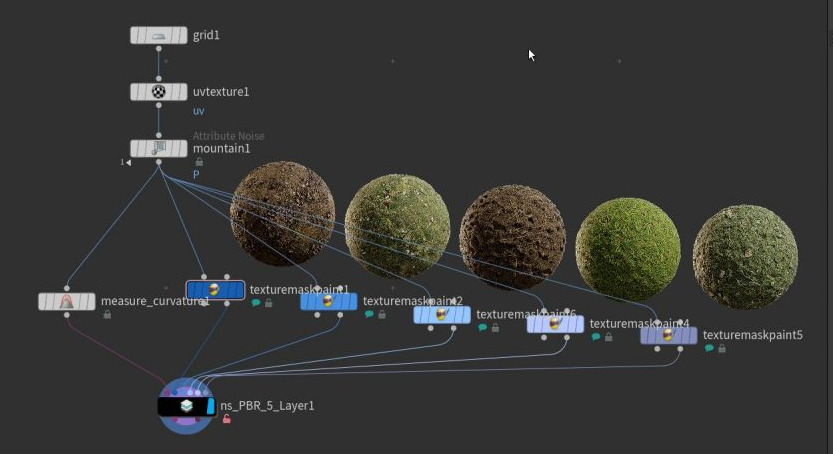

Per layer
- Use PBR Layer, name of the set, Use Triplanar Projection
- Maps: color with HSV Color Correction, roughness (also Roughness to Glossiness), metallic, normal, displacement (gamma, brightness, contrast, level), alpha, specular
- Transform Layer: translate, rotate, scale and shear of the texture
- Hextile: hexagonal tiling against visible repetition, with size, random scale and rotation, seed and falloff
- Mask: mask from a painted mask (Select Mask nodes), a custom map or a point attribute, with remap ranges
- Puzzle ID Color: the colour of this layer in the puzzle ID map

Settings and output
- Copernicus: output resolution and precision, compiled cook
- Displacement Preview: shows the displacement on the geometry (subdivision, scale, ranges)
- Render: bakes the blended maps (alpha, roughness, metalness, normal, displacement, specular and two puzzle ID maps) to disk, also with presets and formats
- Displacement Remap with ramp
- Solaris: Solaris Quickmaterial and Link COPs to use the result in Solaris


