» What can you do with this Houdini Python tool ? «
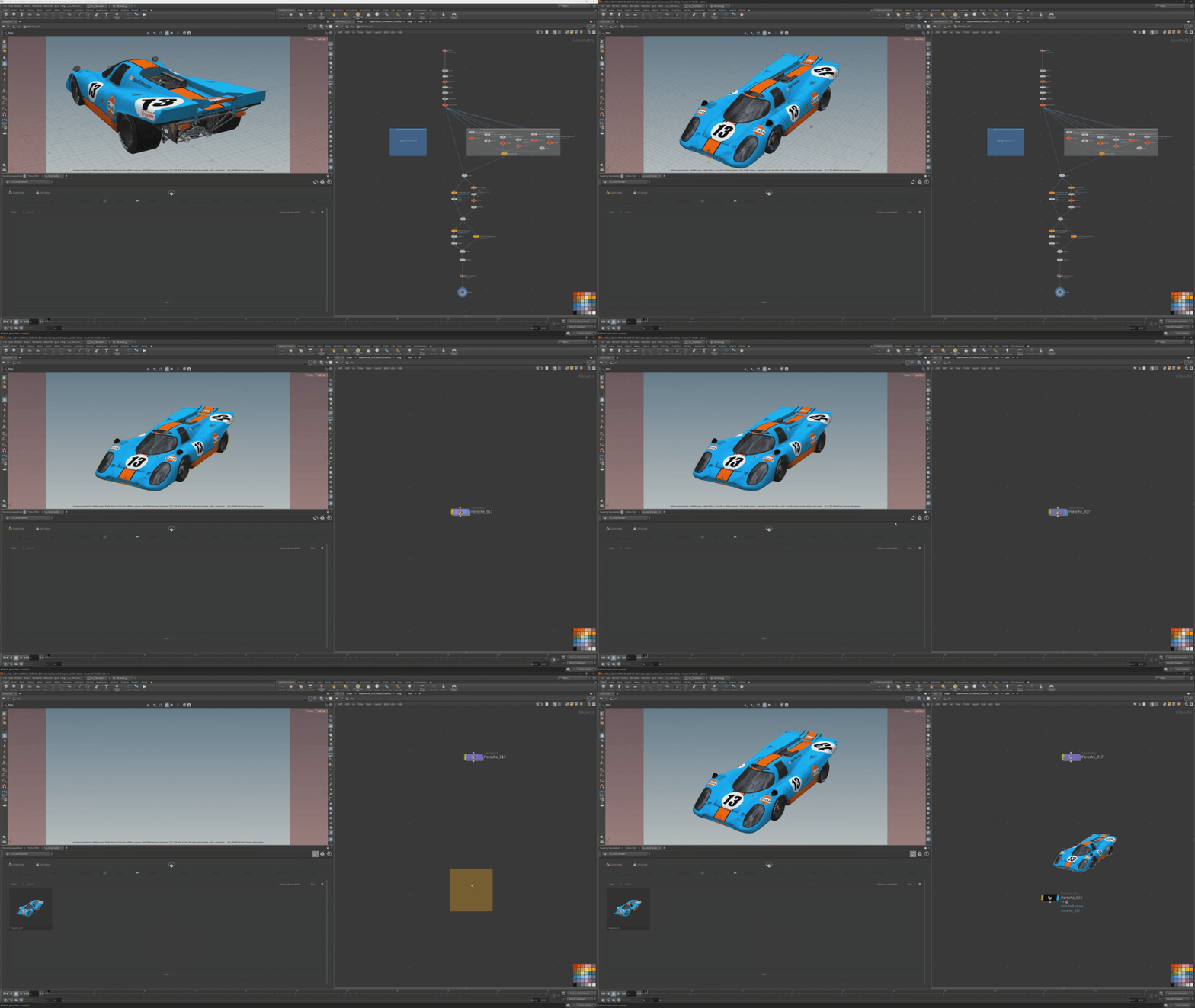
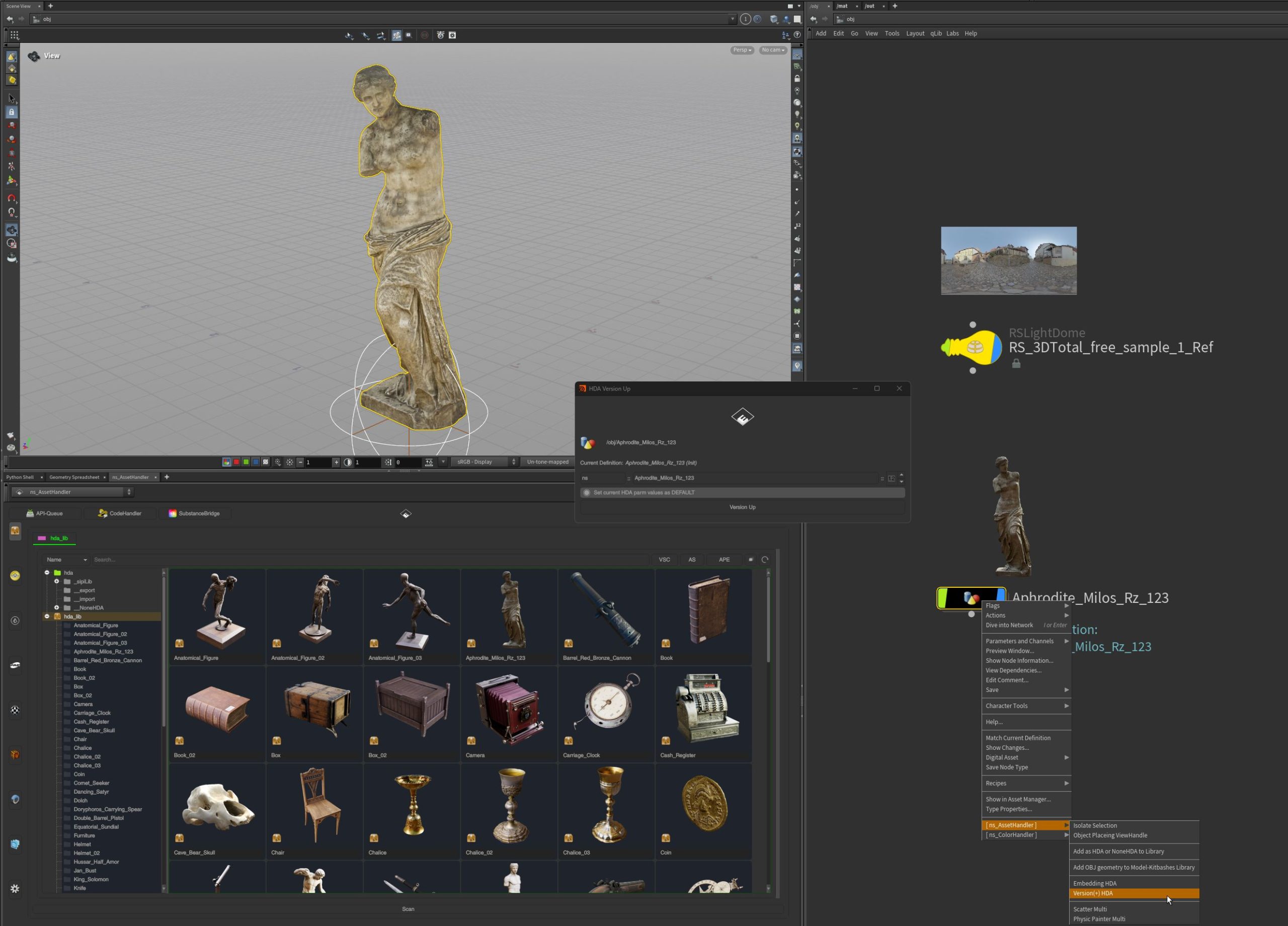
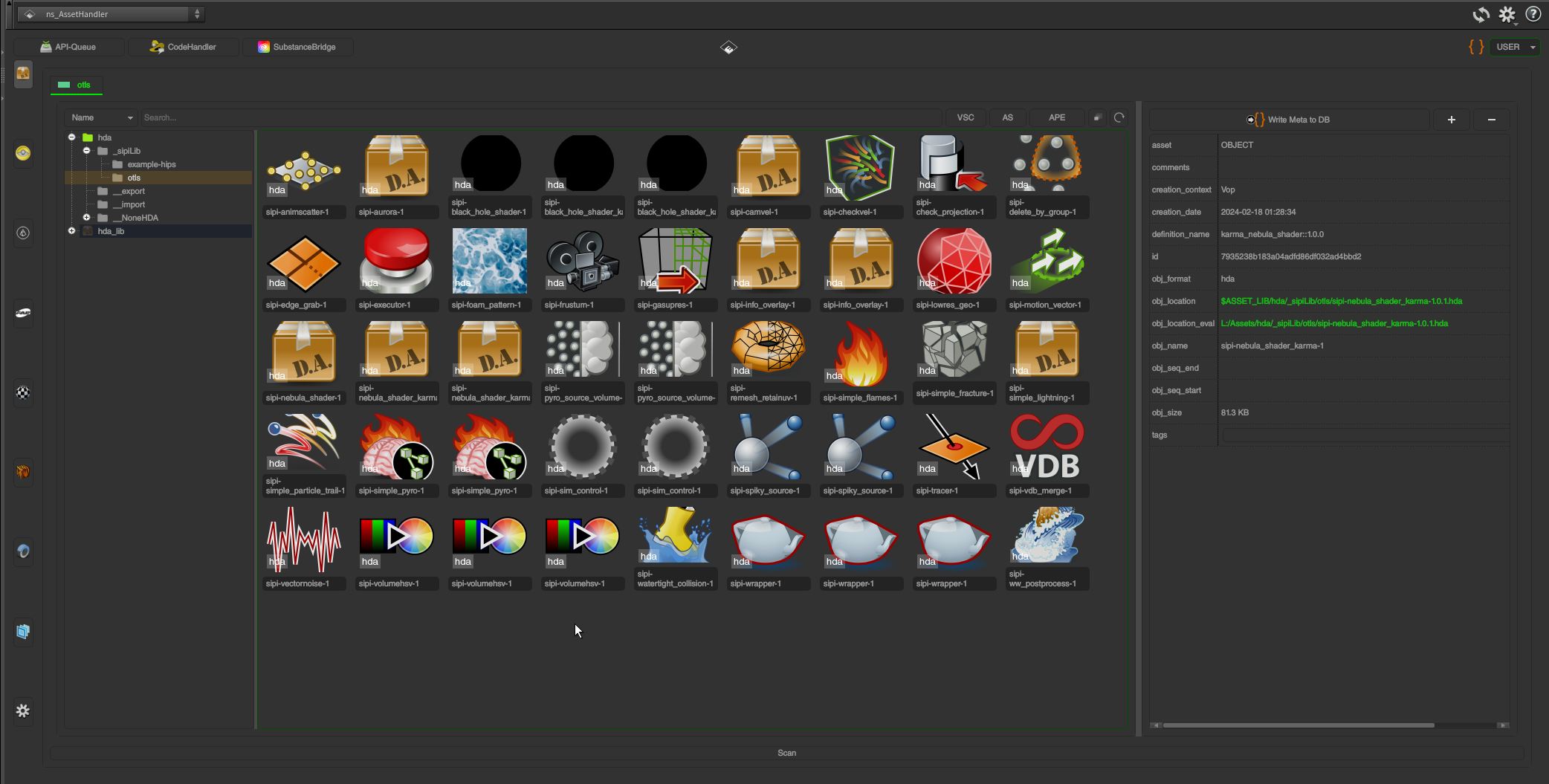
Generate Houdini Digital Assets (HDAs) with thumbnails and automatically copy referenced external files. Define custom metadata for searching, tagging, and organizing your library. Create versioned assets and generate variations with ease.*
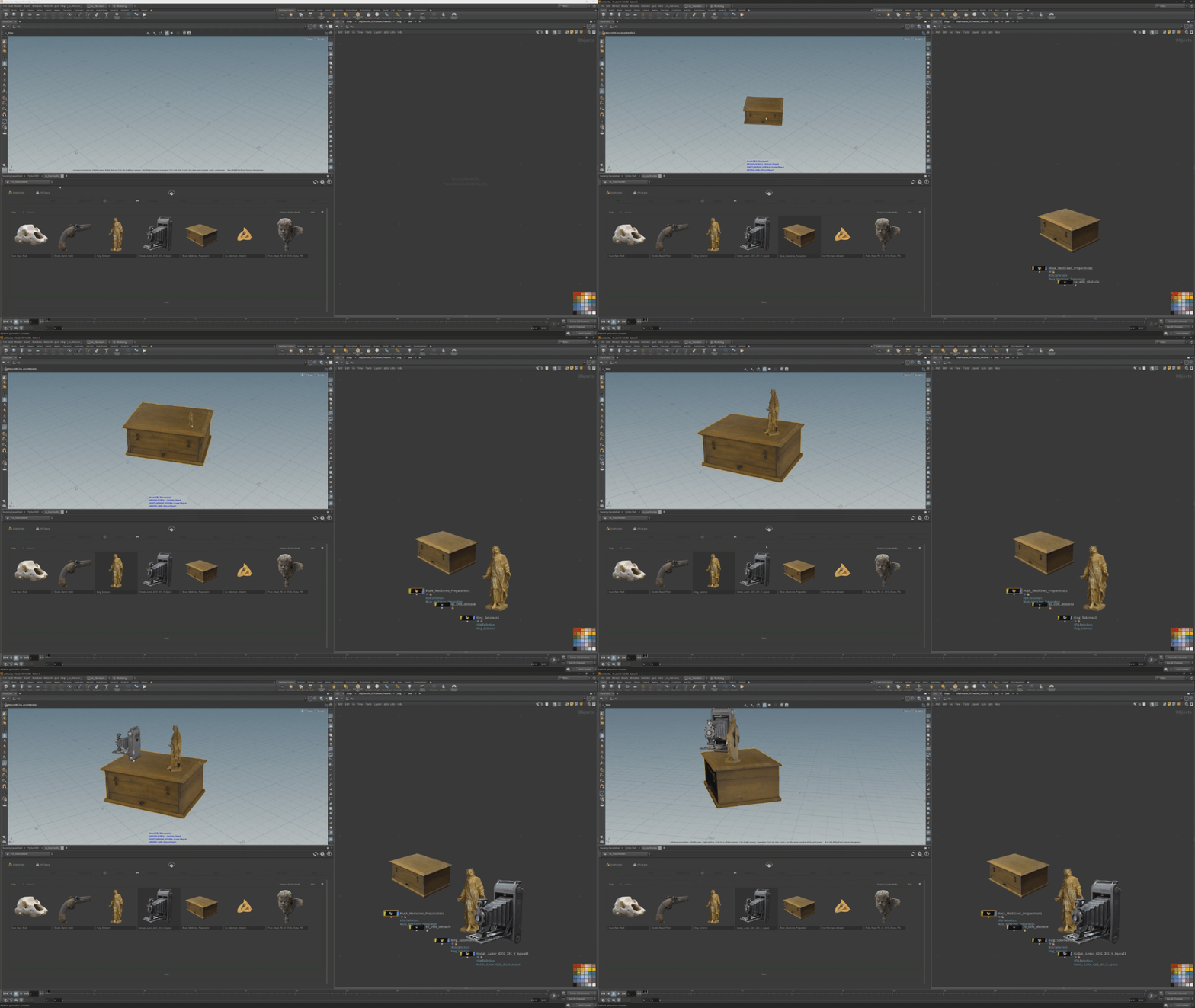
Place assets directly into the Scene Viewer or Network Editor — context-sensitive to where you drop them. Use the Python Viewer States for placing or replacing assets interactively.*
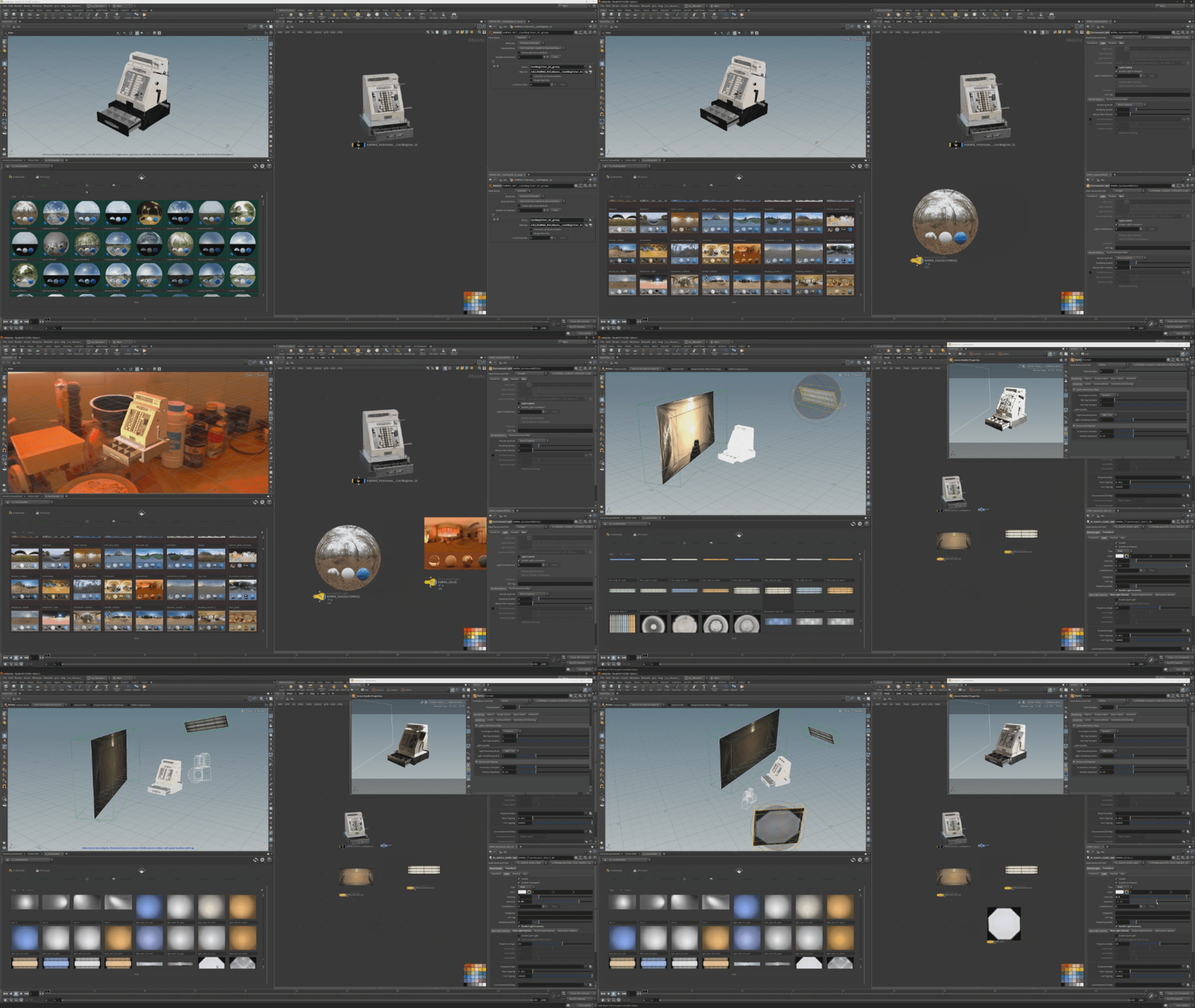
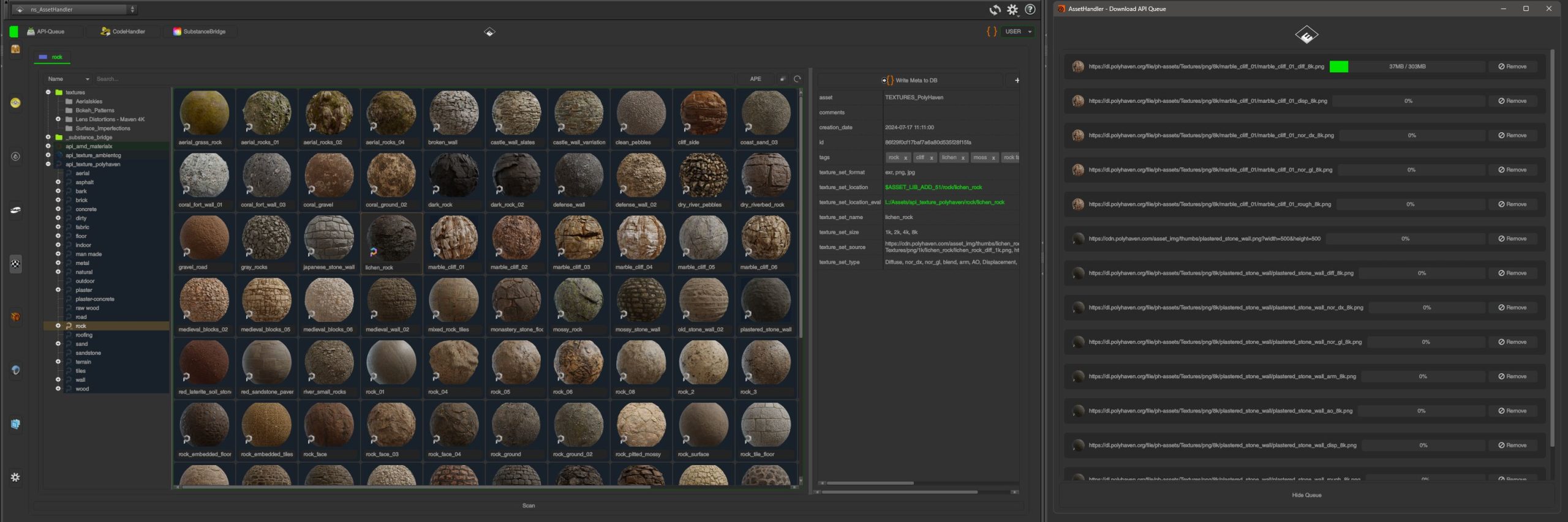
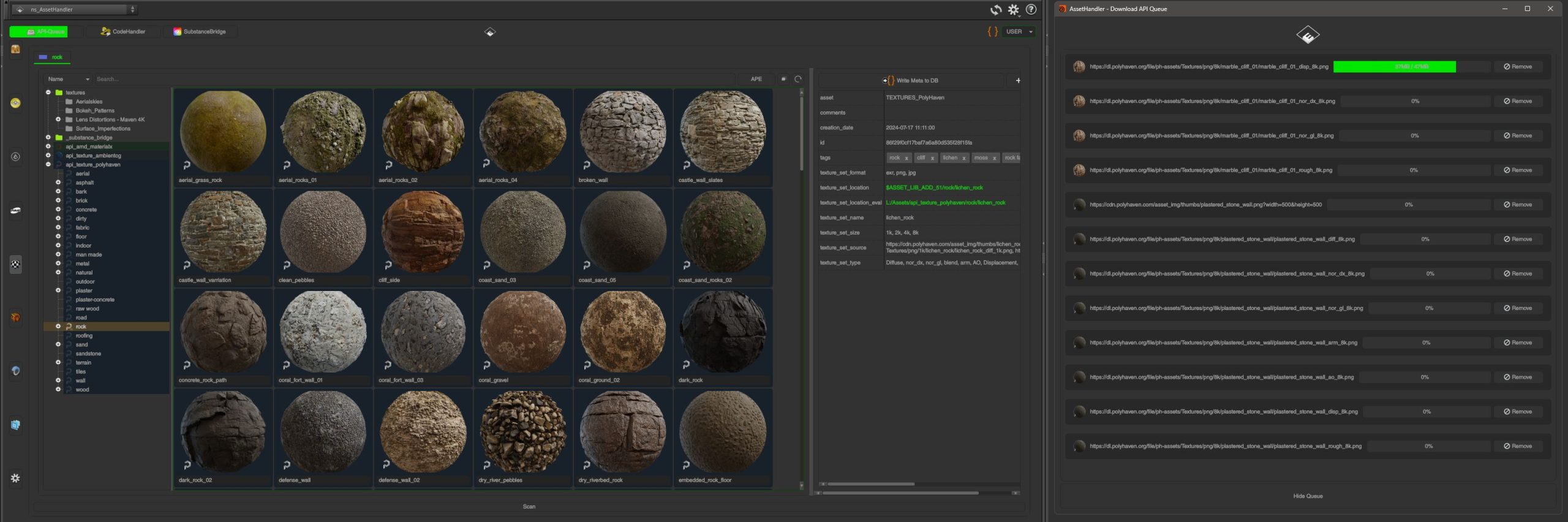
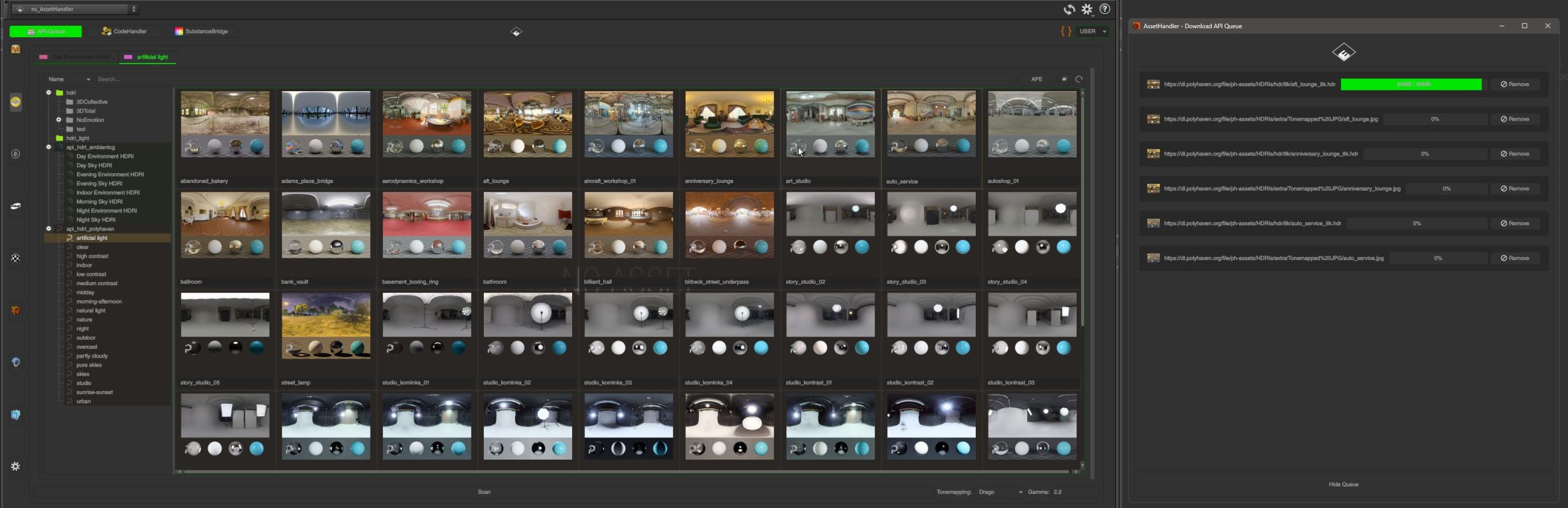
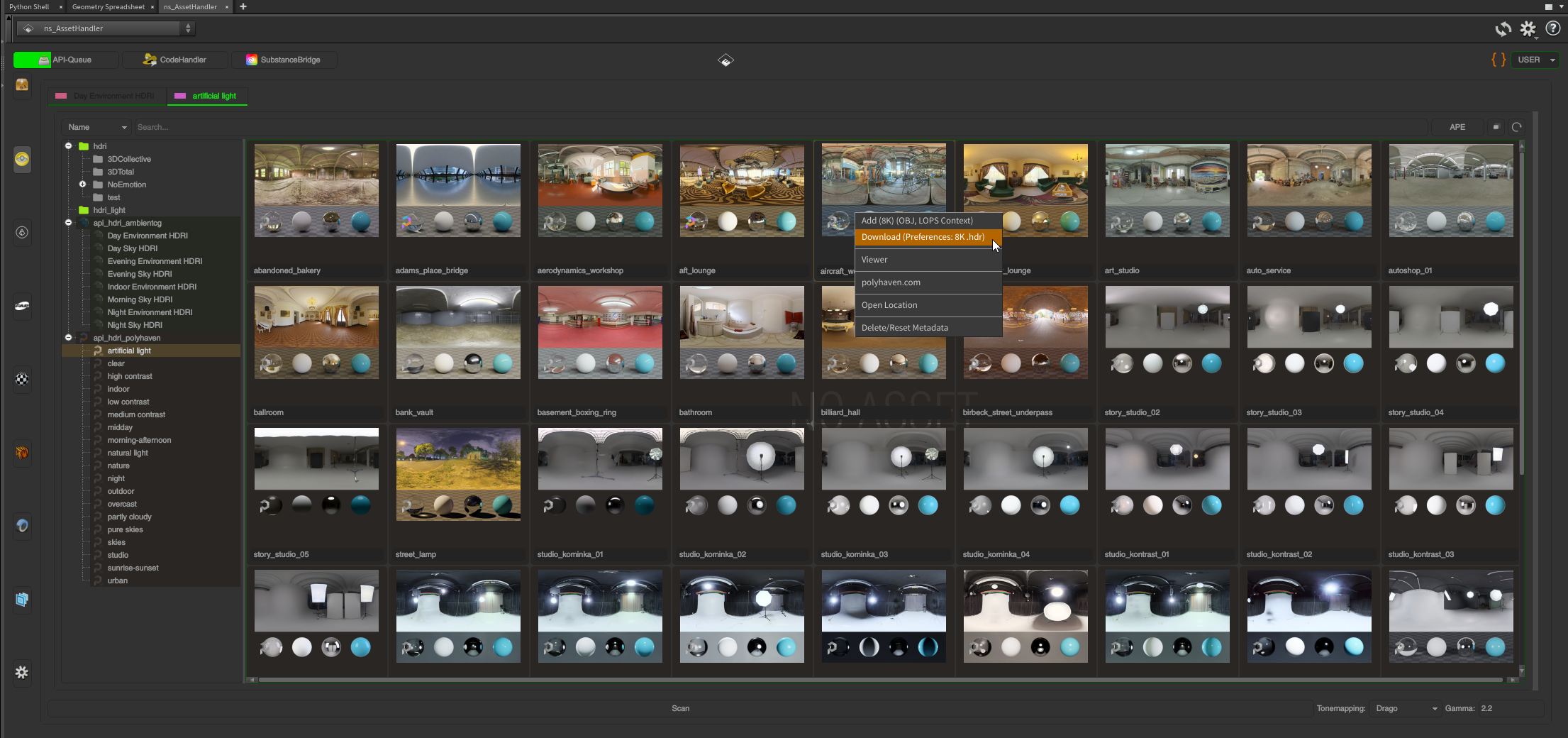
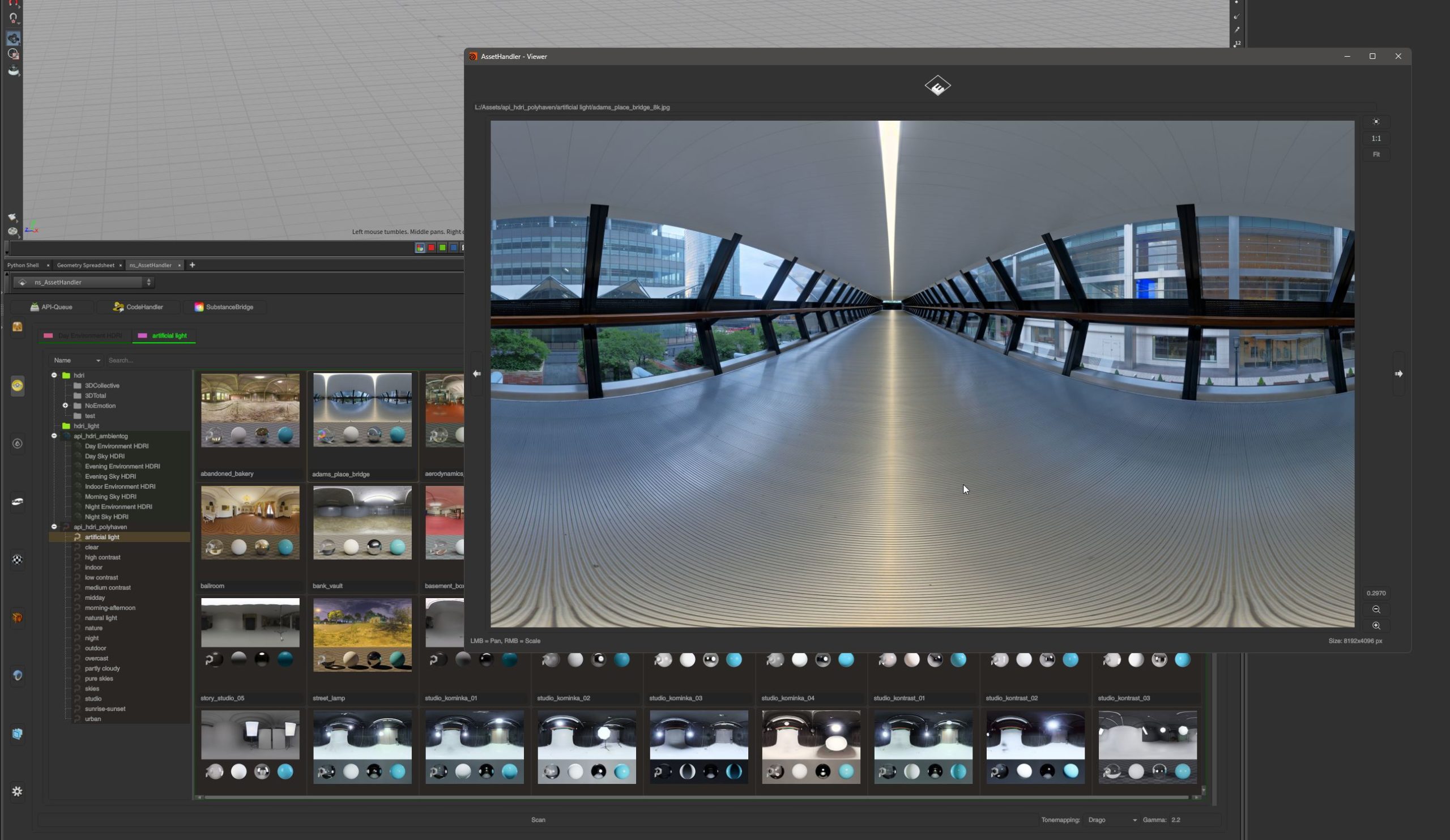
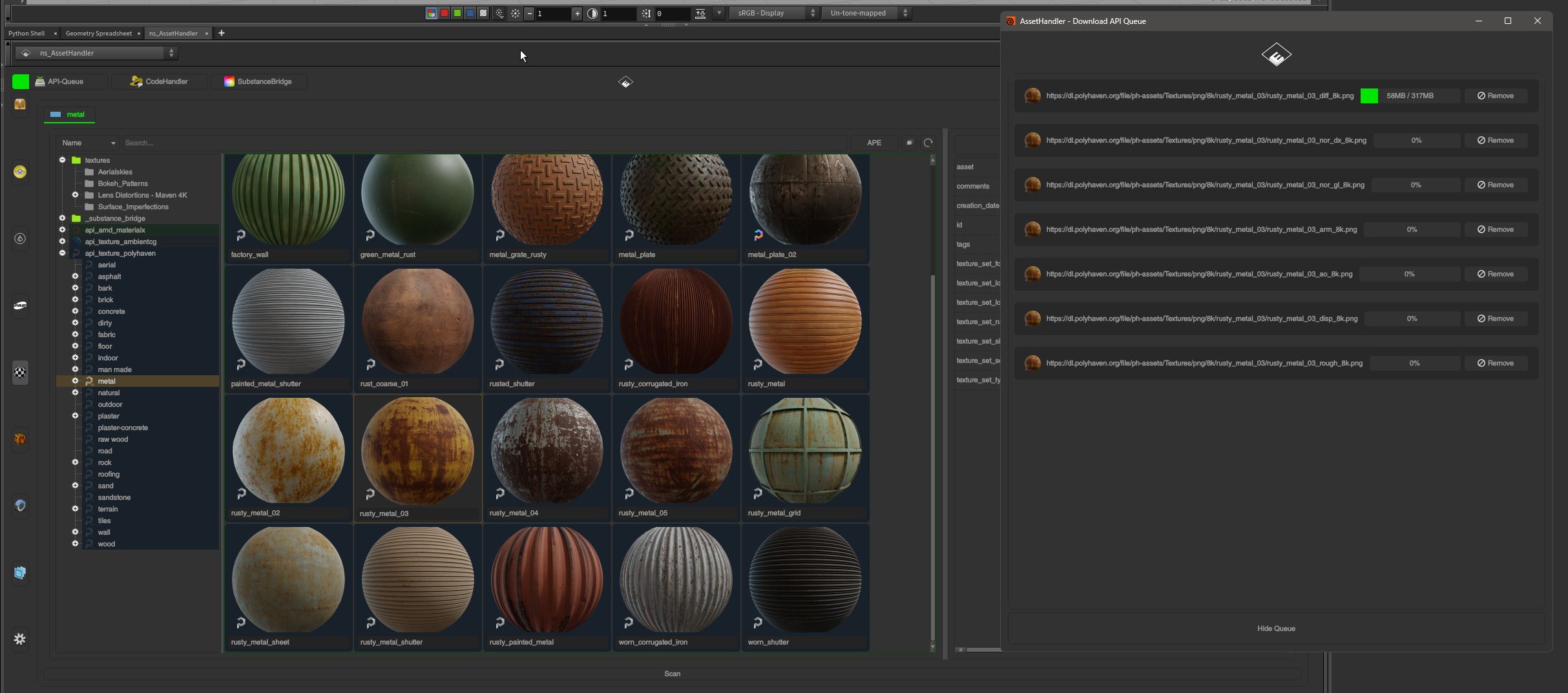
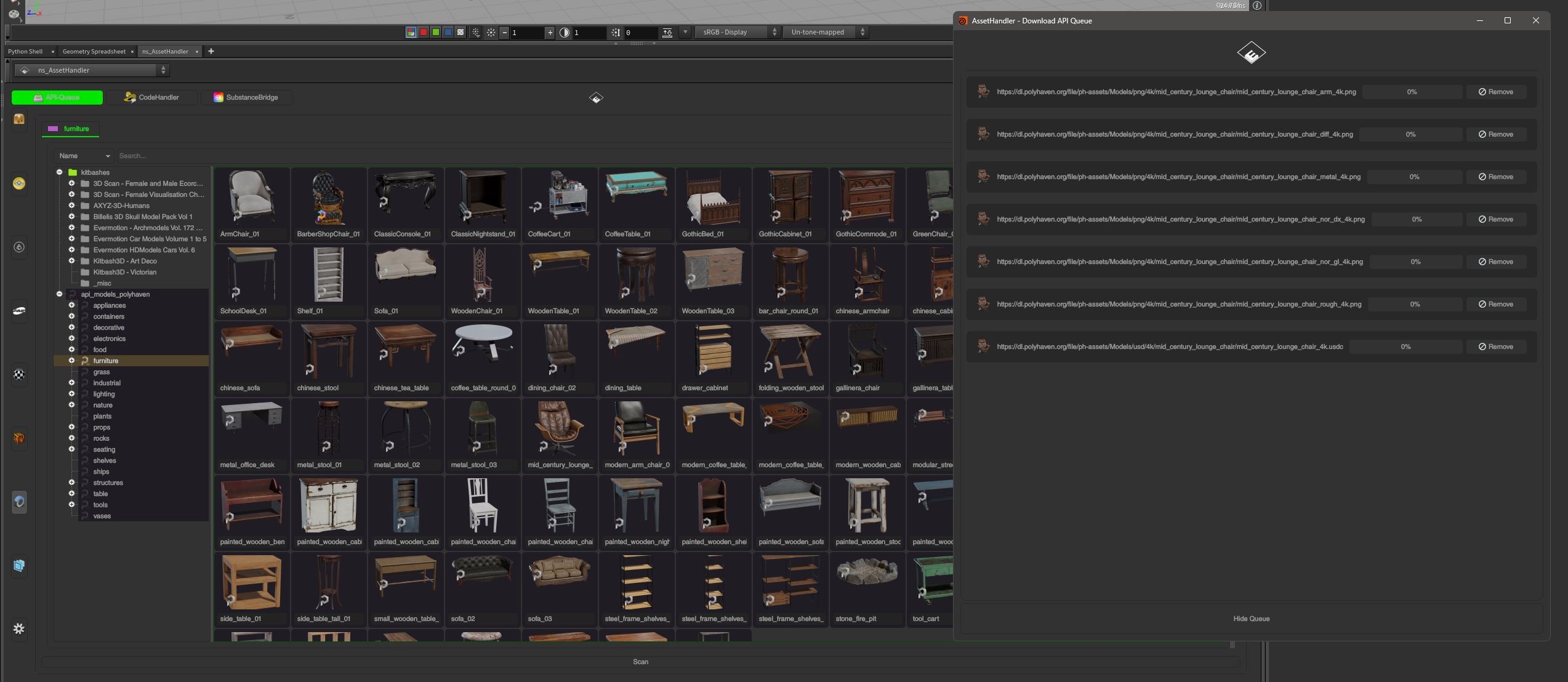
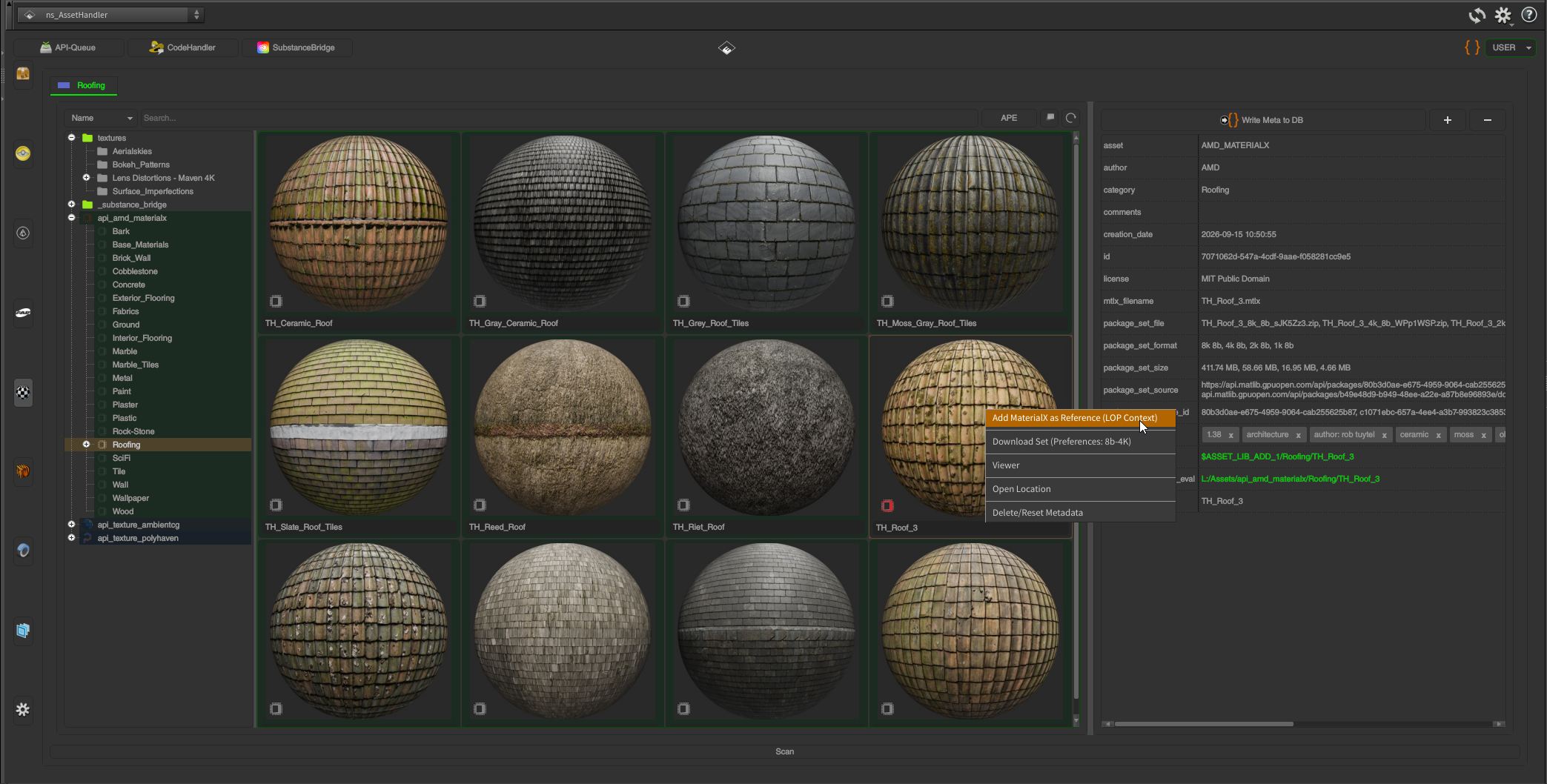
Use local HDRIs and HDRI lights, or load them from a free online API library. The API queue lets you add resources directly from ambientCG, Poly Haven, and the AMD MaterialX Library. Use them instantly with different renderers.*
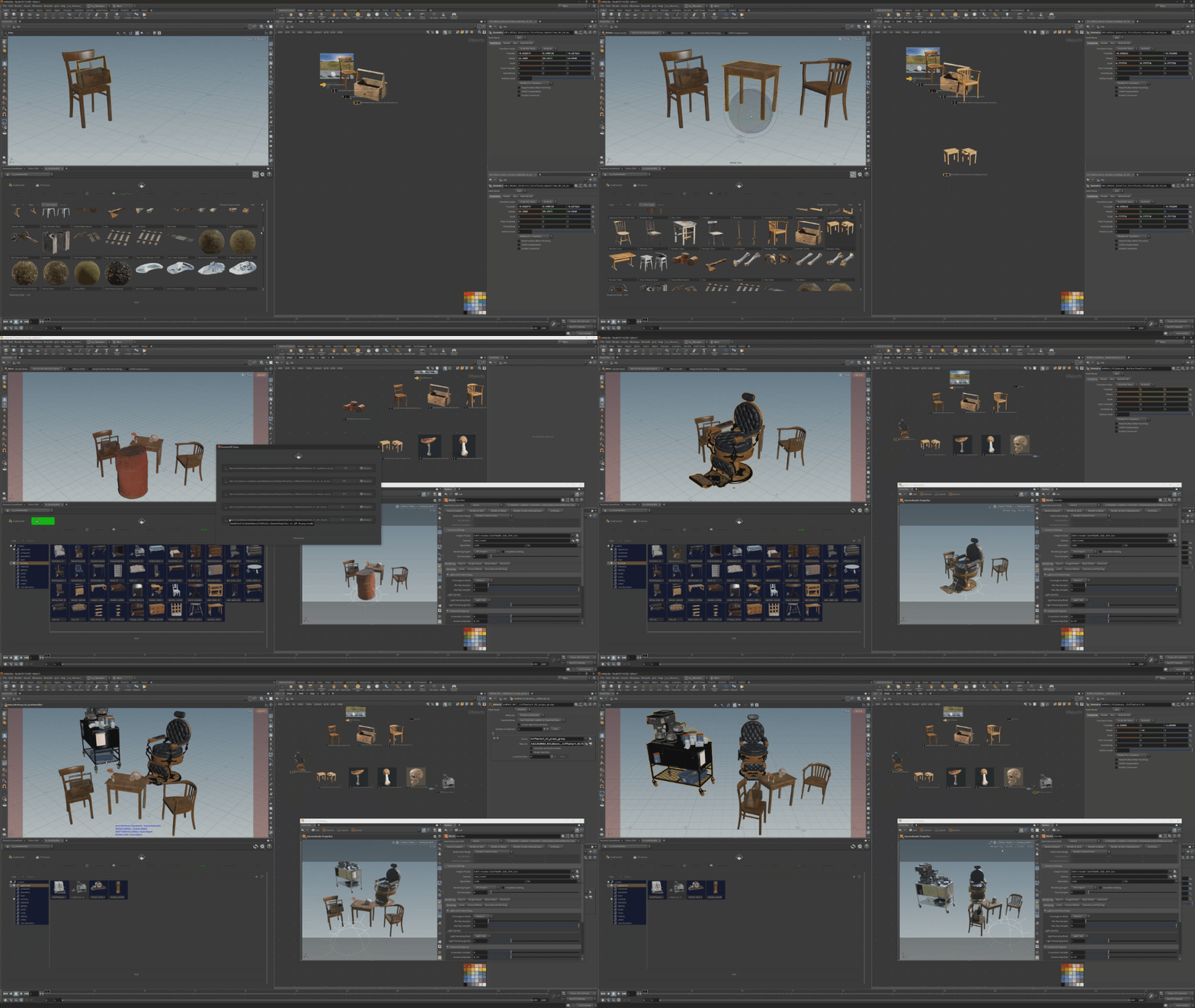
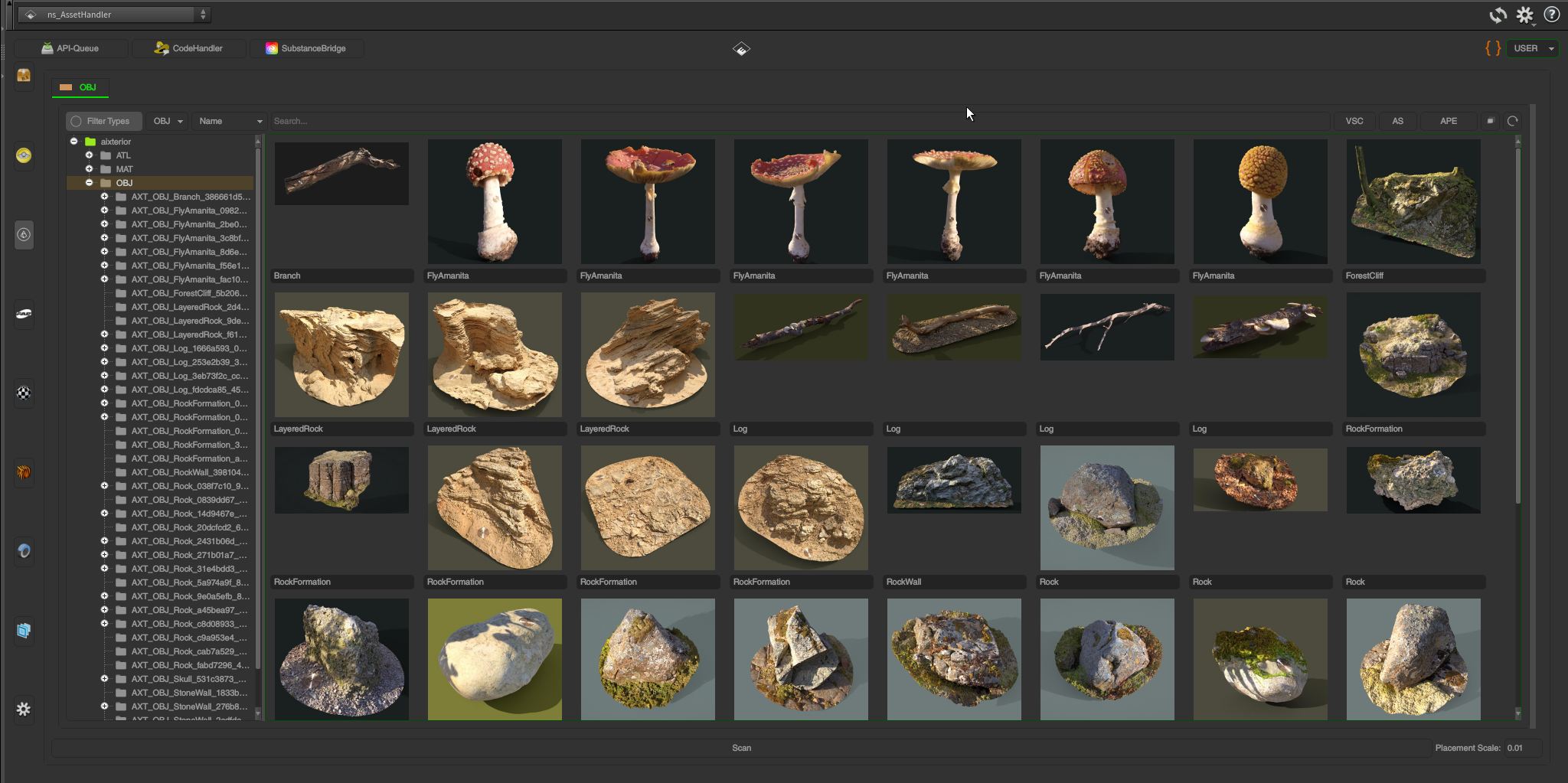
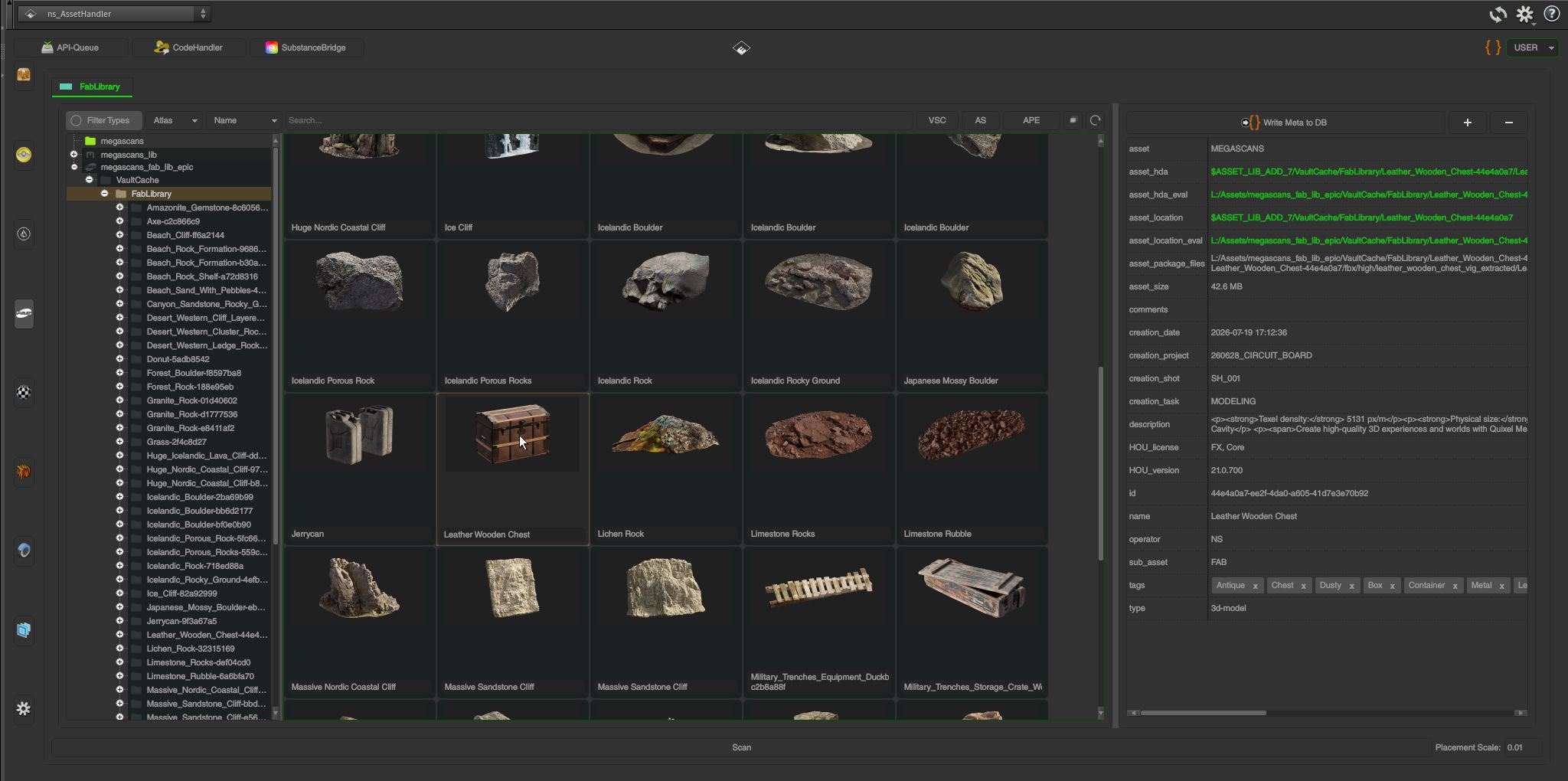
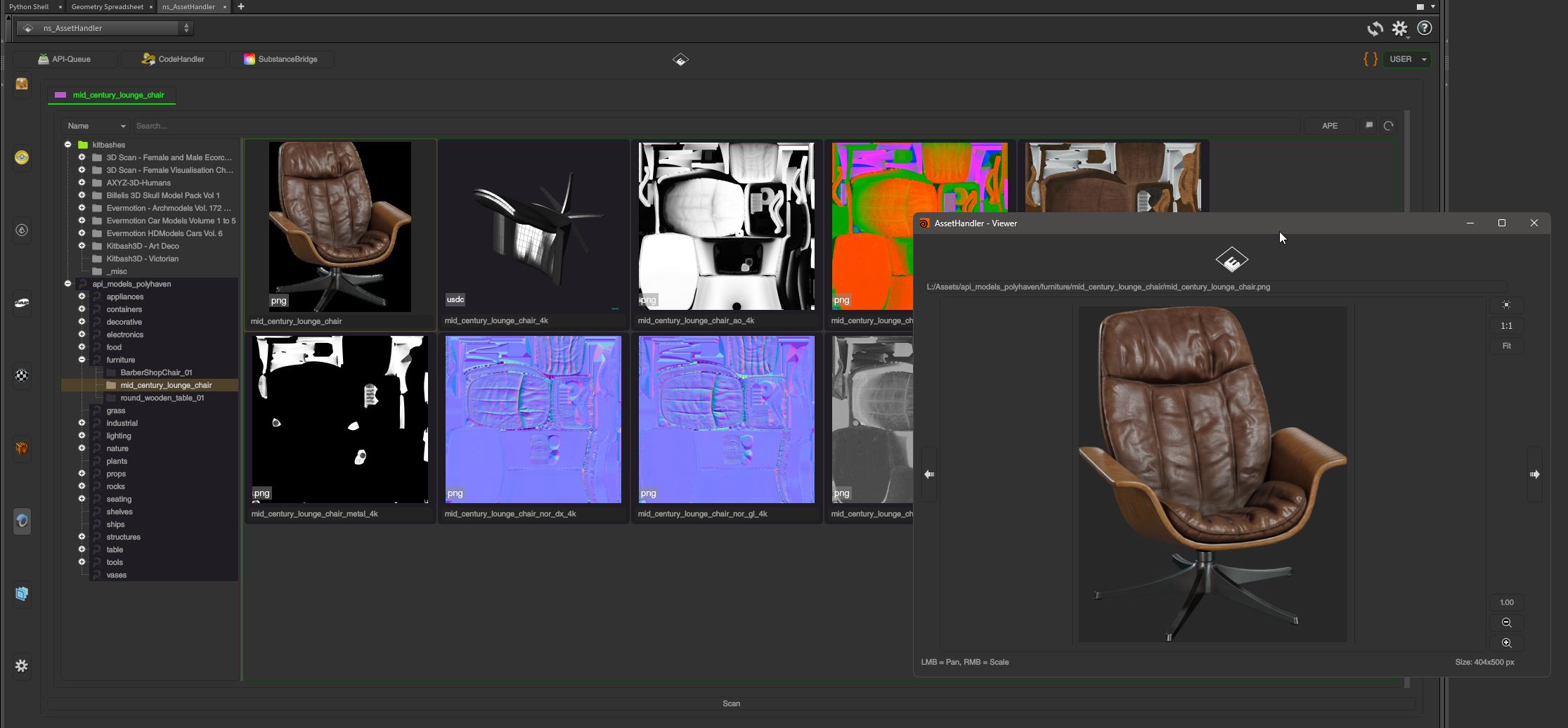
Automatically parses Aixterior and Megascans/Fab assets, complete with render-ready PBR materials for all supported renderers. Poly Haven models are added the same way via the API Queue.*
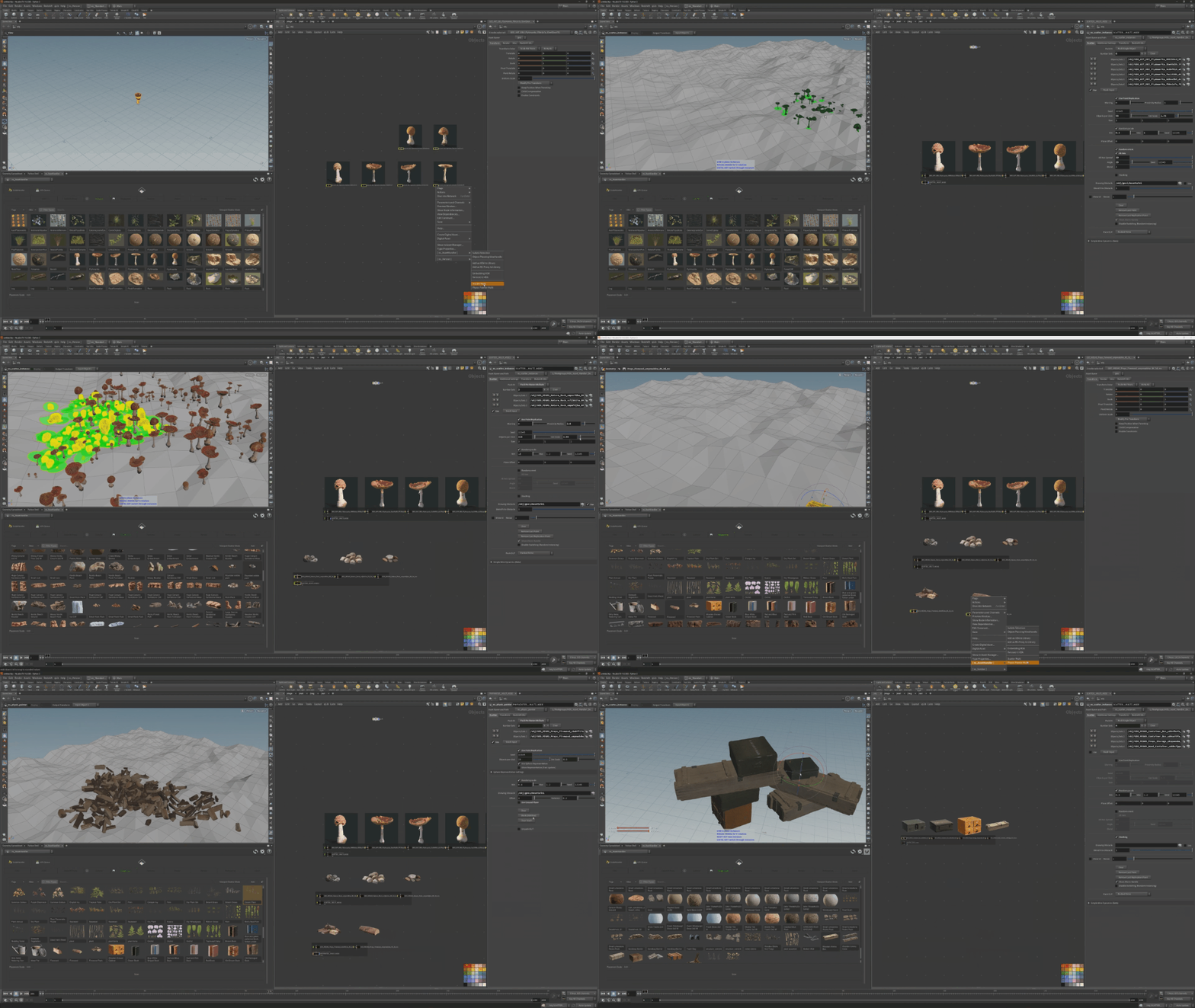
Scatter asset sets using custom HDAs. Build piles from these sets with the Physics Painter, or stack them manually. Move and rotate instances in the Scene Viewer, cycle through variations, and place them using a variety of placement options.*
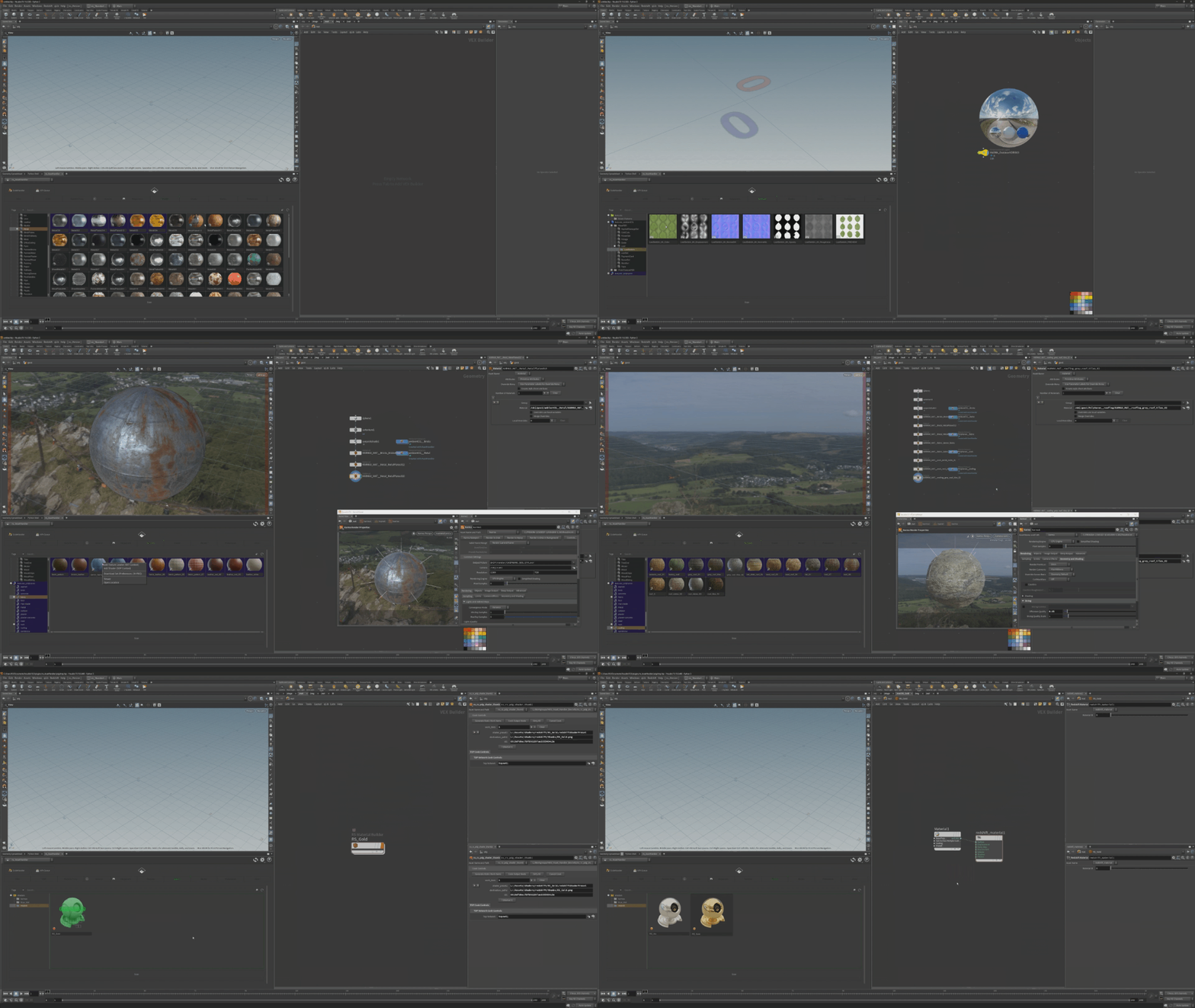
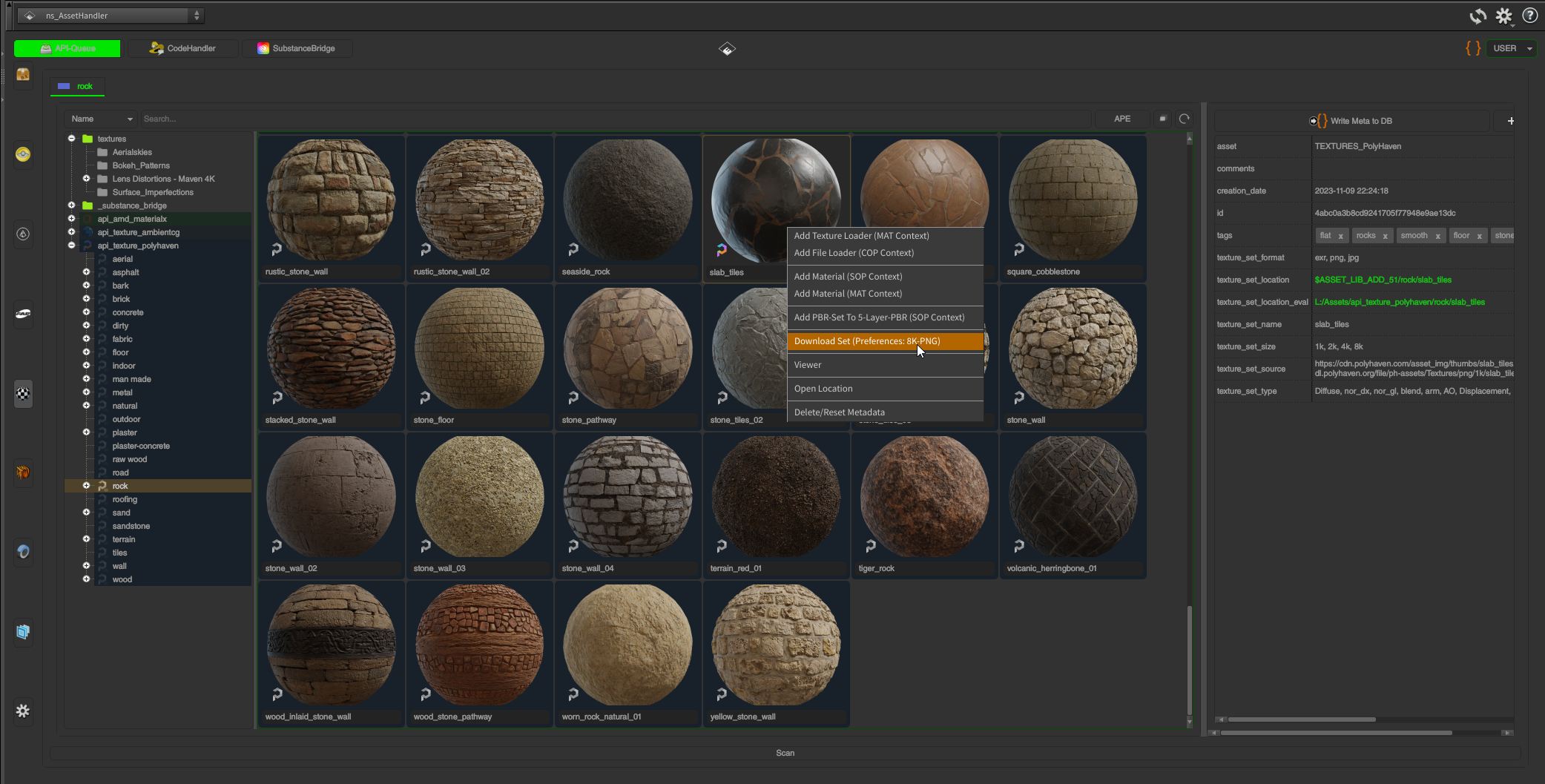
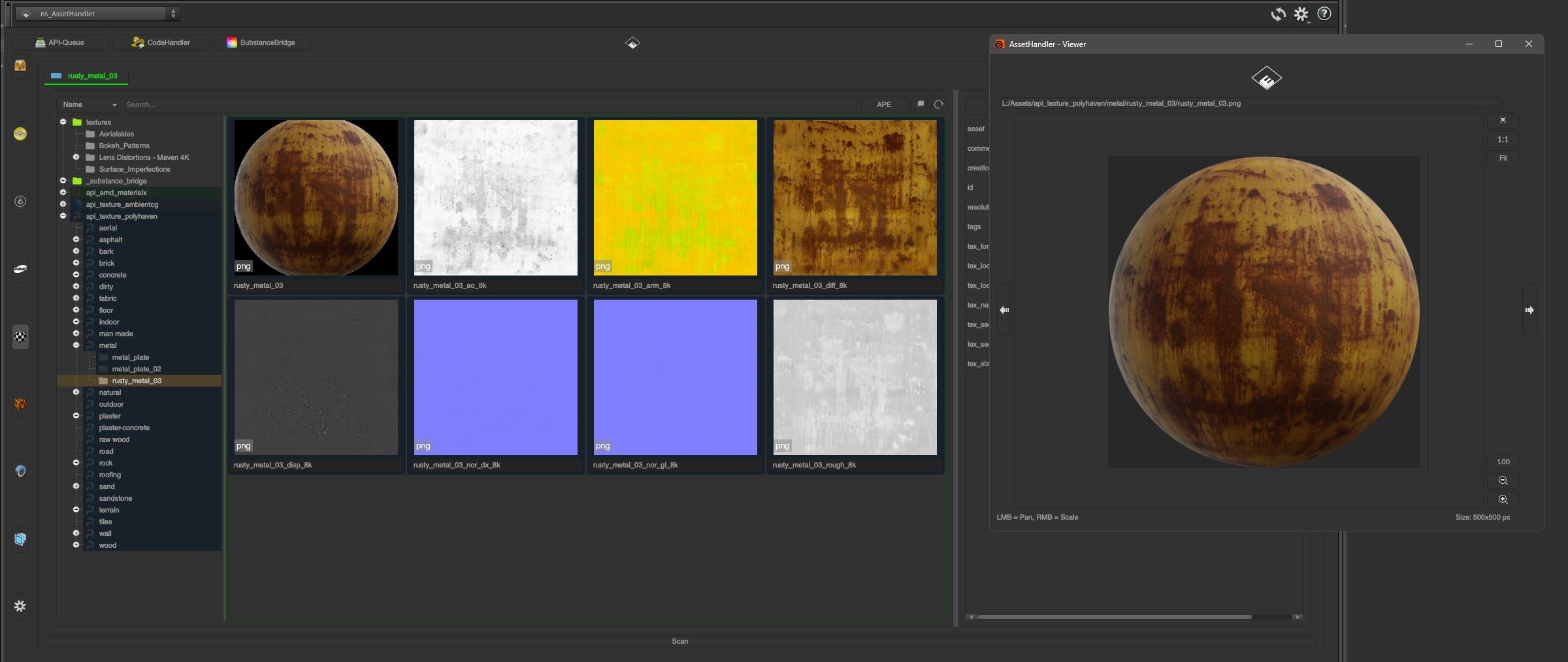
Add textures and texture sets as PBR materials/shaders directly in the Scene Viewer and Network Editor. Includes support for texture set APIs (Poly Haven, ambientCG, AMD MaterialX Library). Create shader presets with rendered thumbnails and organize them into folders.*
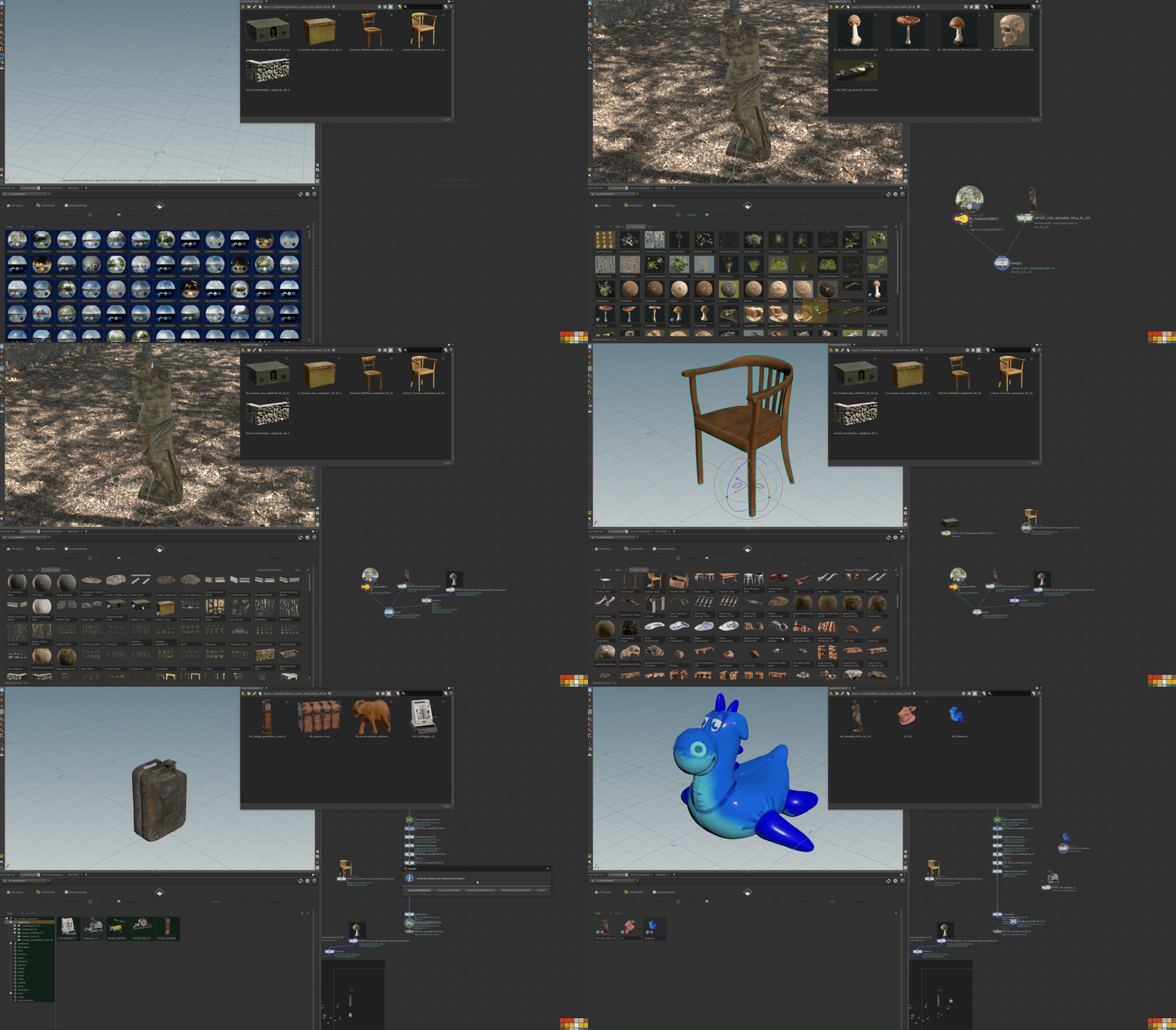
Generate and place USD files from any context in Solaris. Automatically generate USD files from Megascans, Aixterior, and Poly Haven model assets.*
*animated .gifs captured an older version of the plug-in
Main Features:
- Drag & drop HDAs/assets from the Asset Handler into the Network View and Scene View
- Drag & drop USD files into Solaris
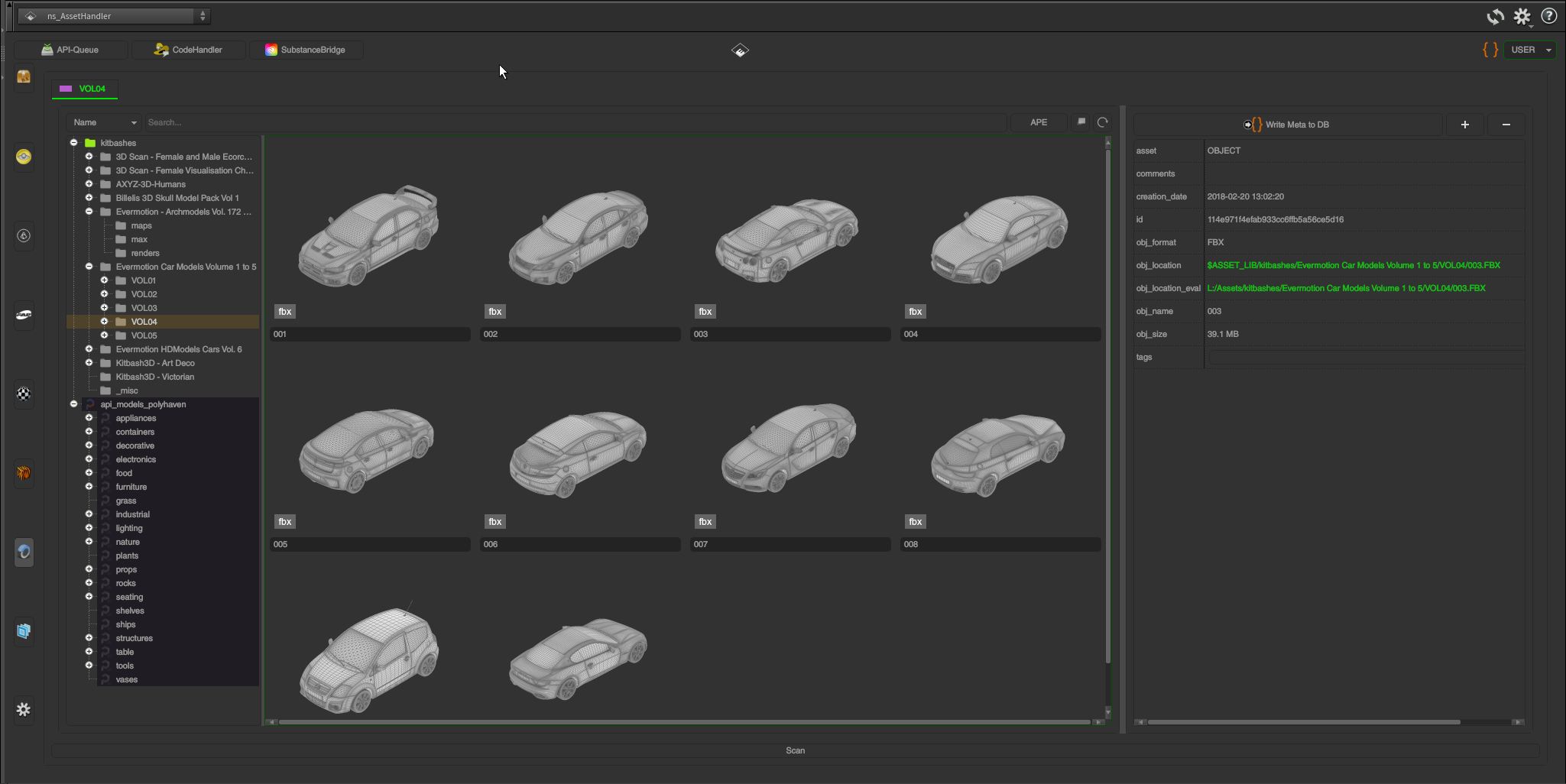
- Drag & drop kitbashes/meshes into the SOP context (with thumbnail generation from .obj, .abc, .fbx, .bgeo, and .usd files)
- Drag & drop texture (sequence) files into the COP and COP2 contexts
- Drag & drop SOP/OBJ states into the Model/Kitbash context (.abc, .obj, .fbx, .bgeo, .vdb)
- Automatic HDA and USD creation with thumbnails from any OBJ node/LOP
- Store networks/setups as Python code (non-HDA)
- Automatic HDA creation and placement for Aixterior and Megascans files, with automatic shader/material assignment for Mantra, Redshift, Arnold, RenderMan, Karma (MaterialX), and Octane
- Custom metadata, library search, and HDA versioning
- Automatic proxy/archive deployment from any OBJ node (Redshift/Octane only)
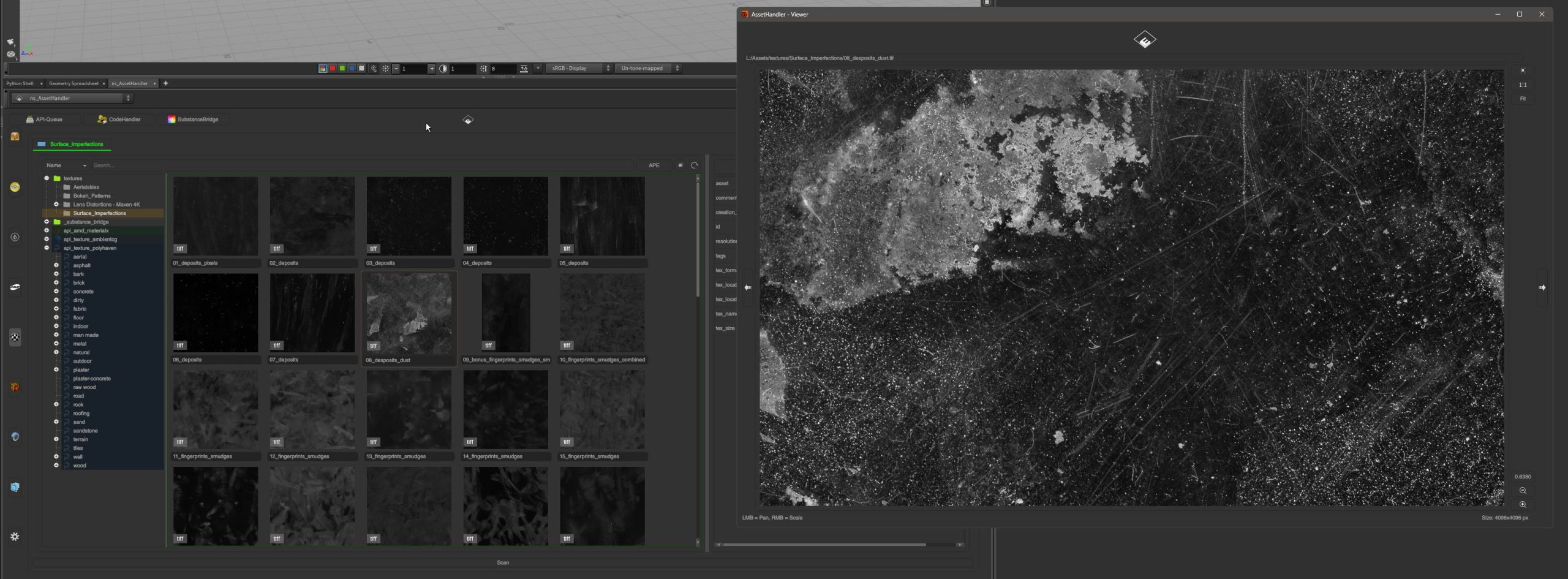
- HDRI/texture/texture-set import and quick viewer
- Simplified texture handling, with a one-click texture loader in the MAT context for Mantra, Redshift, Arnold, RenderMan, Karma (MaterialX), and Octane
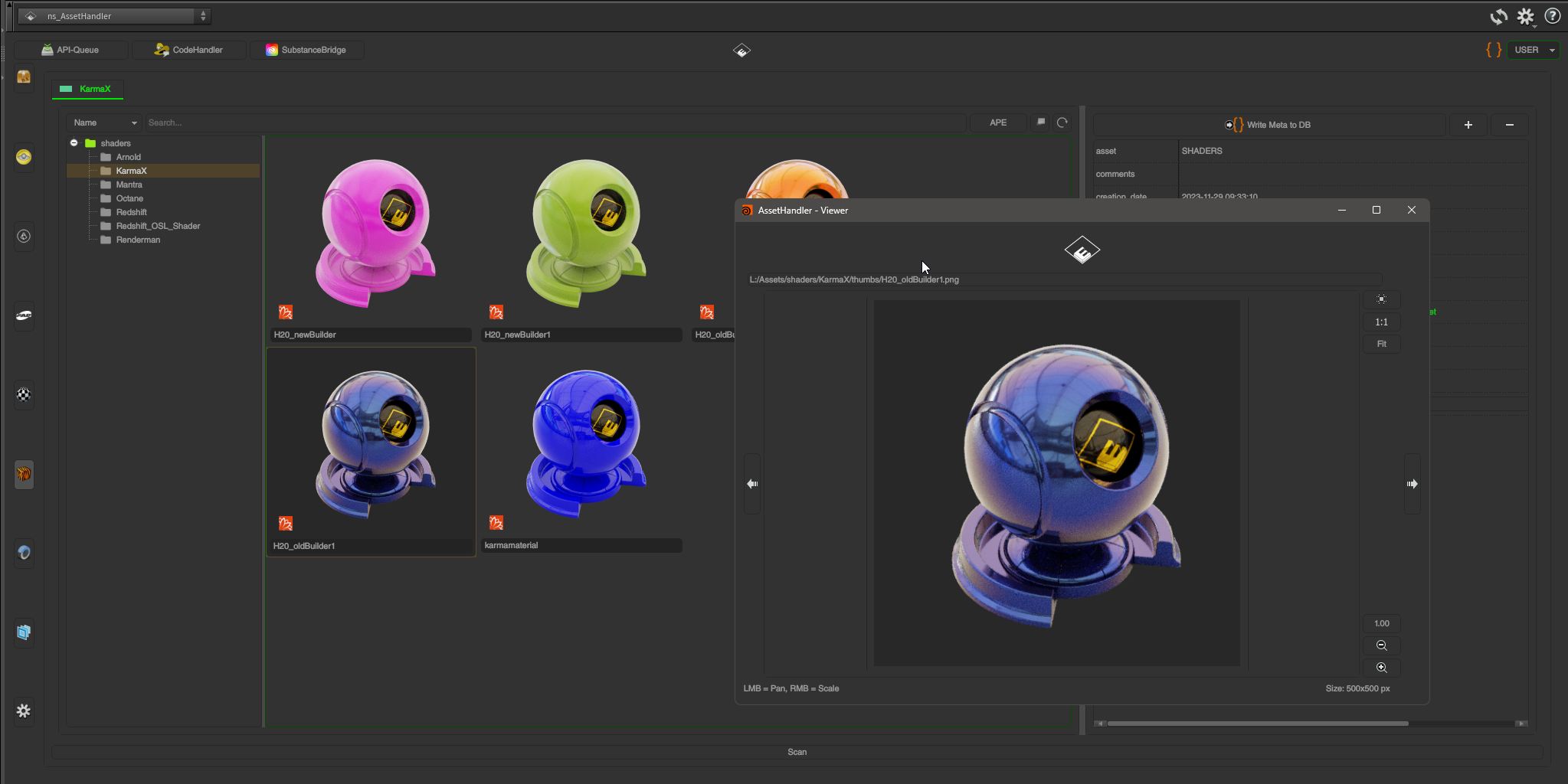
- Shader presets and management with thumbnail generation, drag-and-drop shaders into the MAT context for Mantra, Redshift, Arnold, RenderMan, Karma (MaterialX), and Octane
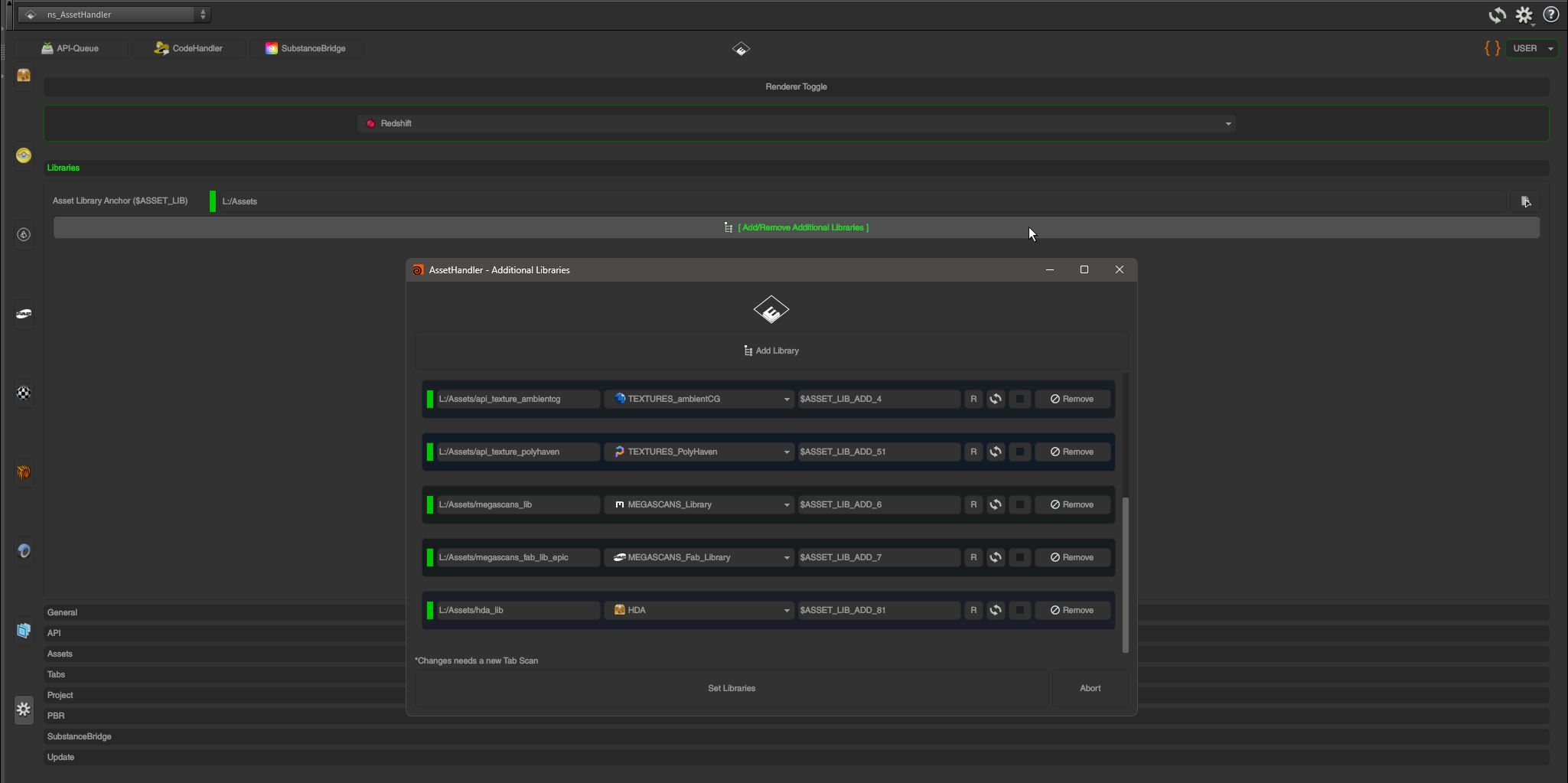
- PBR texture sets can be added with one click from Megascans (Fab via the Epic Games Launcher), Aixterior, Poly Haven, ambientCG, or your own texture folder
- PBR 5-layer texturing/painting HDA
- USD support for Aixterior/Megascans models, Poly Haven models, and ambientCG textures
- Interactive scattering system via Python States and custom HDAs (including physically based rigid-body simulation)
- Scattering/distribution HDAs with a simple wire-solver implementation for dynamic grass and plants
- Asset API support for ambientCG, Poly Haven, and the AMD MaterialX Library, with automatic PBR shader/material assignment for Mantra, Redshift, Arnold, RenderMan, Karma (MaterialX), and Octane
- API request queue
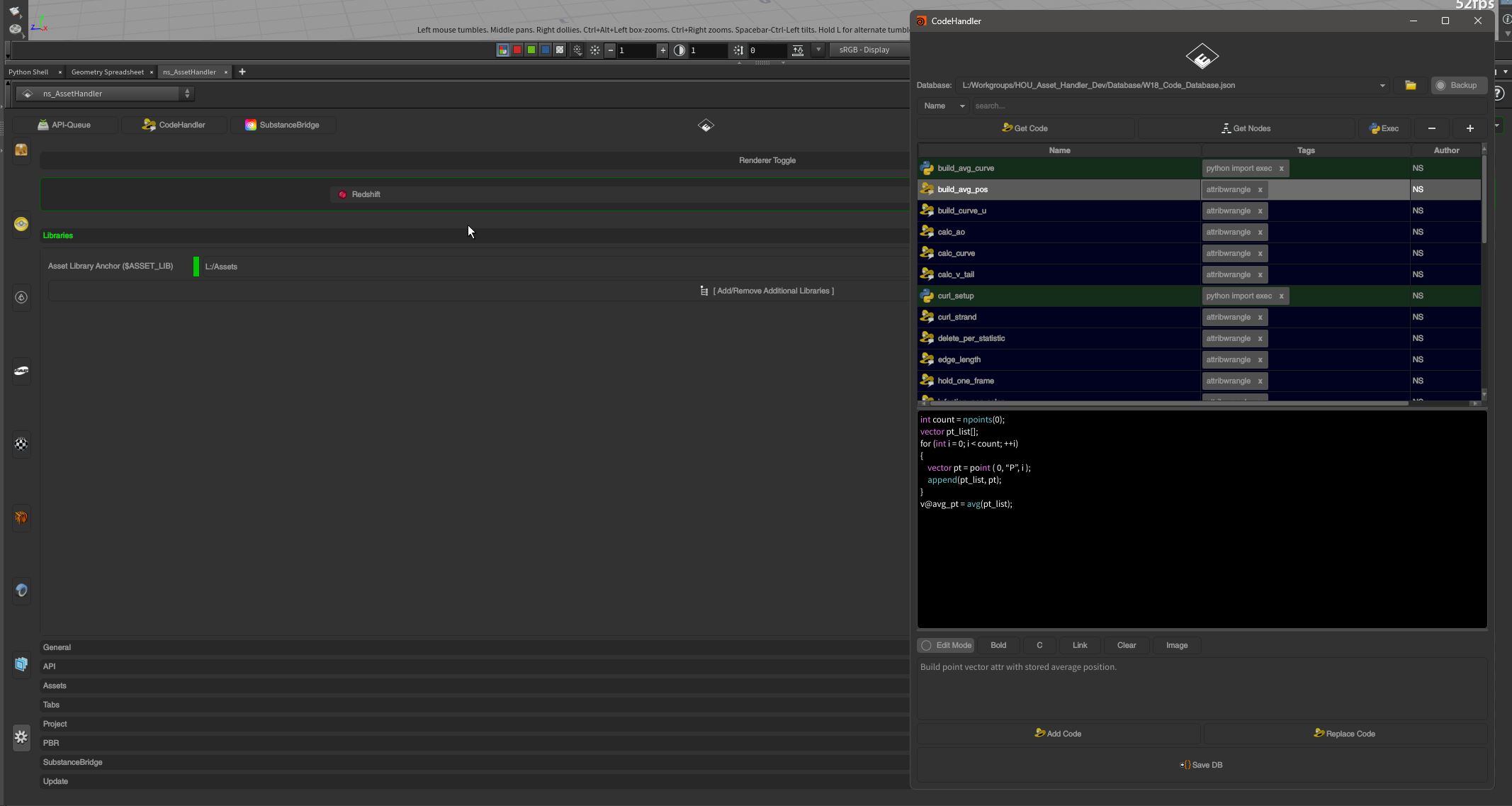
- Code Handler for storing and accessing code snippets (VEX, Python, OpenCL for COPs, Apex, OSL for Octane/Redshift)
- Substance Bridge to export meshes to Substance Painter and Substance Designer, and import baked maps back into Houdini (Windows only)
- Multi-wheel RBD vehicle simulator HDA, drivable with an Xbox controller
- Discord: https://discord.gg/jHz5v2kPWS
Requirements & Support:
- Houdini FX, Core, Indie or Apprentice
- H19.5.x, H20.x, H20.5.x, H21.x (Qt6 only), H22.x – Win/Linux/MacOS Intel+AppleSilicon
- Redshift 3.x, Mantra, Arnold 5.x, RenderMan 24.x & Karma (MaterialX), Octane 2022.1.x or greater
- Note: Renderer-related features are primarily focused on MaterialX, Redshift, and Octane. Support for Mantra, Arnold, and RenderMan may be deprecated.
- Note: Linux (tested with Mint 19.x/20.x/21.x/22.x Cinnamon and Mint MATE)
- Note: MacOS (testet with Intel/Monterey & AppleSilicon/Tahoe)
Python & HDA files are uncompiled & unlocked. Ready for own modifications.
Gallery (1.23.3):
Get it from Gumroad
Current Version 1.23.2