» A Funny WebApp for replacing parts in Photos. USING a fully local AI pipeline «
Moving furniture? WTF?
The idea was pretty simple: my wife wanted to know what a potential new shelf might look like—one that would replace another one in the hallway of our apartment. She told me about apps and said it would be great to have a tool like that, to test some virtual replacements. I took this as an opportunity to run everything locally on our network with open local AIs and build it myself. I was already very invested in customizing my AgenticWorkflows anyway.
“NOTHING GOES OUTSIDE !!!”
That was the motto for using it.
On one of my 3D render nodes, the ComfyUI scripts are running, which can address 2×3090 RTX cards. The image models use only one card; unlike the language models, they cannot be split across multiple cards. But it runs 2 seperate ComfyUI instances each GPU, which is nice.
It can actually replace and complement just about anything in a picture. Not just furniture, of course.
Here’s a quick overview of the stack:
The backend and frontend are currently running in a single Docker container on the same machine. Since this is a prototype, it hasn’t been broken down further. The whole thing has a typical AI vibe-code, prototype character. 😄
The backend is Python FastAPI, which forwards and handles requests to ComfyUI. The frontend is React. The ComfyUI preset scripts were initially FLUX.2 KLEIN and Qwen-Image. FLUX.2 KLEIN was the default because it offered the best quality and speed. The scripts also helds an upscaler setup, which is OKish.
FLUX is generally very good at maintaining image stability and holding proportions while making selective changes to parts of an image. The segmentation is very good.
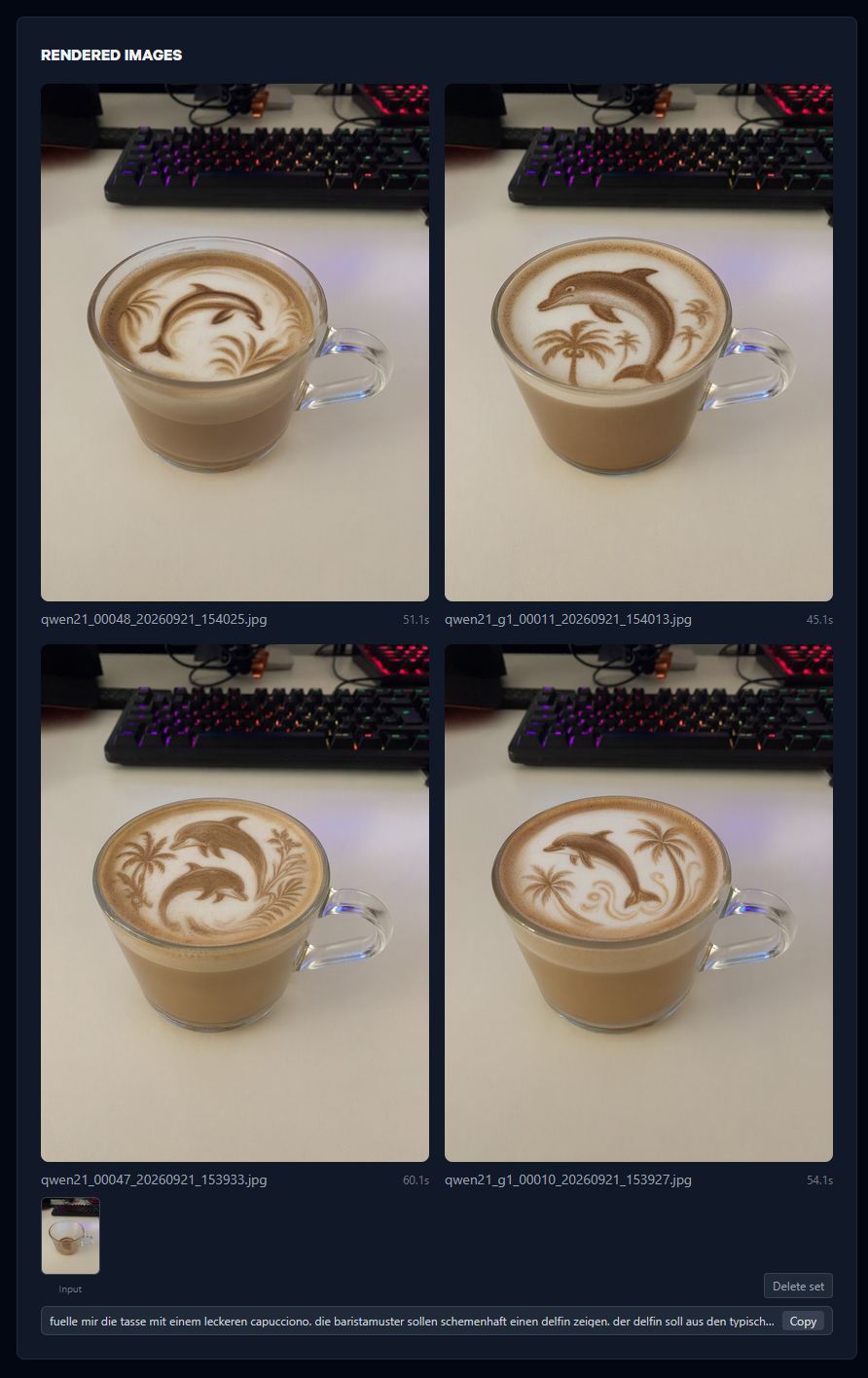
As of yesterday, I also implemented Qwen-Image 2.1 as a beta preset—it looks very, very good in terms of quality, but it still needs a bit more testing. It was really easy to set up and implement to the pipeline chain.
I implemented a pre-pass where LLM-Studio and Qwen 3.6 made some prompt enhancements. But the cost-benefit factor was too low to include it as a feature. Quality improvements could always be achieved with the actual text and a precise text prompt.
Now for what’s really remarkable. The entire framework was built using Hermes and Qwen 3.6 27B—frontend and backend. Qwen 3.6! And it worked very well right from the start. I polished the ComfyUI scripts using Claude Sonnet and ClaudeCode.
Deployment creating Dockerfiles—was also be done with ClaudeCode + Sonnet.
FLUX.2 KLEIN runs in about 24 seconds; Qwen-Image 2.1 takes about 60 seconds. The predecessor of the Qwen-Image on the “High” preset takes around four minutes. (single 3090-RTX)
CONCLUSION:
Just for fun! I pulled off a really cool project on a Saturday. Moving furniture is just the hook—you can basically replace anything you want, as long as the models allow it. A token system, queue, upscaler and user account are already implemented, maybe i will push this little bit further in the future.